
Blog
Discover guides, tips, and tutorials on voice typing, speech-to-text, and productivity tools

The 7 Best Speech to Text Apps for Android in 2026
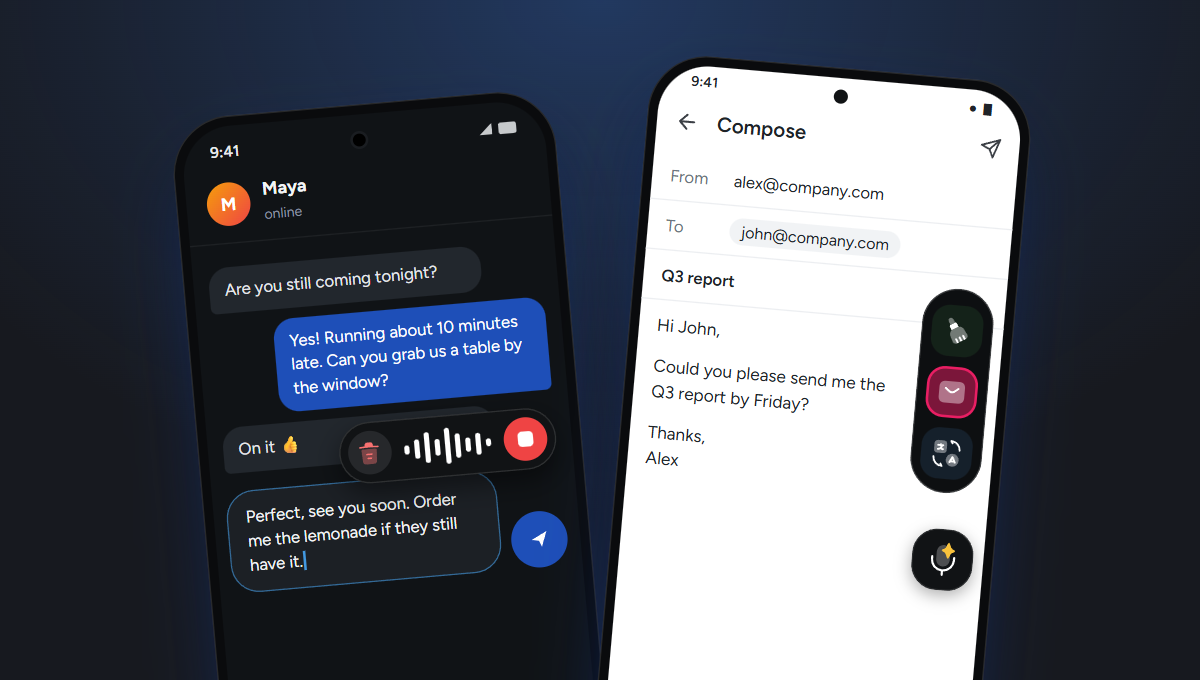
Gboard and Samsung voice input only work inside their own keyboards. Blabby, Wispr Flow and Aqua Voice float over any keyboard instead. Seven Android dictation apps compared on how they type into other apps, AI cleanup and prices read on October 8, 2026, plus why Dragon Anywhere is gone.

Handy vs Wispr Flow: Free Offline or Paid Cloud in 2026?
Handy is free, MIT-licensed and runs entirely on your machine. Wispr Flow is $15/mo and edits your speech in the cloud. Handy is at 31,321 GitHub stars, x64 only, and ships a post-processing toggle most comparisons say it does not have.

Dictation Software for Windows 10 That Still Gets Updates
Voice Access never came to Windows 10 and Win+H needs the internet. What still works after end of support, with 2026 prices read from each vendor.

Handy Speech to Text on Windows: What Its Docs Say
Handy is free, offline and open source, and its own FAQ says spoken punctuation is not supported. Windows download numbers, crash fixes, and what to check first.

Radiology Dictation Without a PowerScribe Licence (2026 Guide)
Radiology dictation splits into enterprise platforms that file the report and standalone tools that type at the cursor. Published prices from every vendor that has one, the 44.2% speech recognition error rate the category does not advertise, and what works for locums and teleradiology.

Outlook Dictation: Why the Dictate Button Is Missing (2026)
Outlook's Dictate button is a Microsoft 365 subscription feature, and a subscription alone is not enough if you installed a perpetual Office 2021 or 2024 build. The six symptoms, their real causes, and how to dictate email without the licence.

The Best Microphone for Dictation in 2026 (Read the Spec First)
Whisper resamples every recording to 16 kHz mono, and the $423 Philips SpeechMike is band-limited to 12 kHz. Dragon Medical asks for 16 kHz and tests on phone mics. What you are actually buying, and why distance beats price.

Speech to Text on Linux: 7 Tools That Actually Type (2026)
Most Linux dictation guides skip the one thing that decides whether a tool works: your display server. On Wayland, nerd-dictation types nothing by default, and Handy needs ydotool plus a systemd unit. Seven tools, tested against what their own docs say.

Voice Coding in 2026: The Word Means Something Different Now
Voice coding used to mean dictating syntax with a learned command grammar. In 2026 it mostly means speaking prompts to an AI agent, which needs no syntax engine at all. What changed, and which projects quietly stopped shipping.

ChatGPT Dictation: Speak Your Prompts Instead of Typing Them
OpenAI's own FAQ says dictation audio is kept as long as the chat is, and consumer audio may train the models unless you find a separate toggle. How the microphone button works, where it stops, and how to dictate into every other app.

What Is a Good Typing Speed? The 168,000-Person Answer
Most typing-speed articles quote 40 wpm with no source. The largest study ever run measured 168,000 people across 136 million keystrokes: the mean is 51.56 wpm, and formal typing training was worth only 5 wpm.

Free Dragon Dictation Alternative: What to Use in 2026
Dragon Anywhere Mobile stopped selling subscriptions on 1 July 2026, and Dragon Professional v16 has no published price and no checkout. What actually replaces it free, sorted by where you type.

Obsidian Voice to Text: What Actually Dictates in 2026
Obsidian ships no built-in dictation, and three of the four plugins usually recommended transcribe recorded audio files rather than dictate. What each one actually does, what it costs, and how to talk into every note without a plugin at all.

Voice Input for Cursor: What Works in 2026
Cursor's built-in voice input lives in the chat box, and it has broken twice since December 2025. What the vendor documents, what the bug reports say, and how to dictate into every input in the editor instead.

Is Dictation Faster Than Typing? What the Studies Measured
The "3x faster" figure comes from a 2016 study on an iPhone touchscreen, transcribing short messages. Four studies from 1999 to 2025, read first-hand, including the one where typing won.

Words Per Minute Speaking: What the Research Actually Measured
The 150 wpm figure everyone quotes is an unsourced rule of thumb. A corpus study of 2,438 aligned conversations measured 196 wpm, and 236 wpm once the silences are removed.

Dragon NaturallySpeaking in 2026: What Happened and What to Use Now
The NaturallySpeaking name is retired, the consumer editions are gone, Dragon Anywhere Mobile stopped selling subscriptions, and the surviving Dragon Professional v16 has no published price.

Monologue App Review 2026: Price, Free Trial and Windows
Monologue is a polished Apple-only dictation app. The $12 on the pricing page is the annual rate: month to month Pro is $15, and there is no Windows build.

Spokenly Review 2026: Is It Really Free, and What Pro Costs
Spokenly gives you unlimited offline dictation for free on Mac, Windows, Linux and iPhone. The $8.33 on the pricing page is the annual rate: month to month Pro is $9.99.
Spokenly for Windows: Does It Actually Work on a PC? (2026)
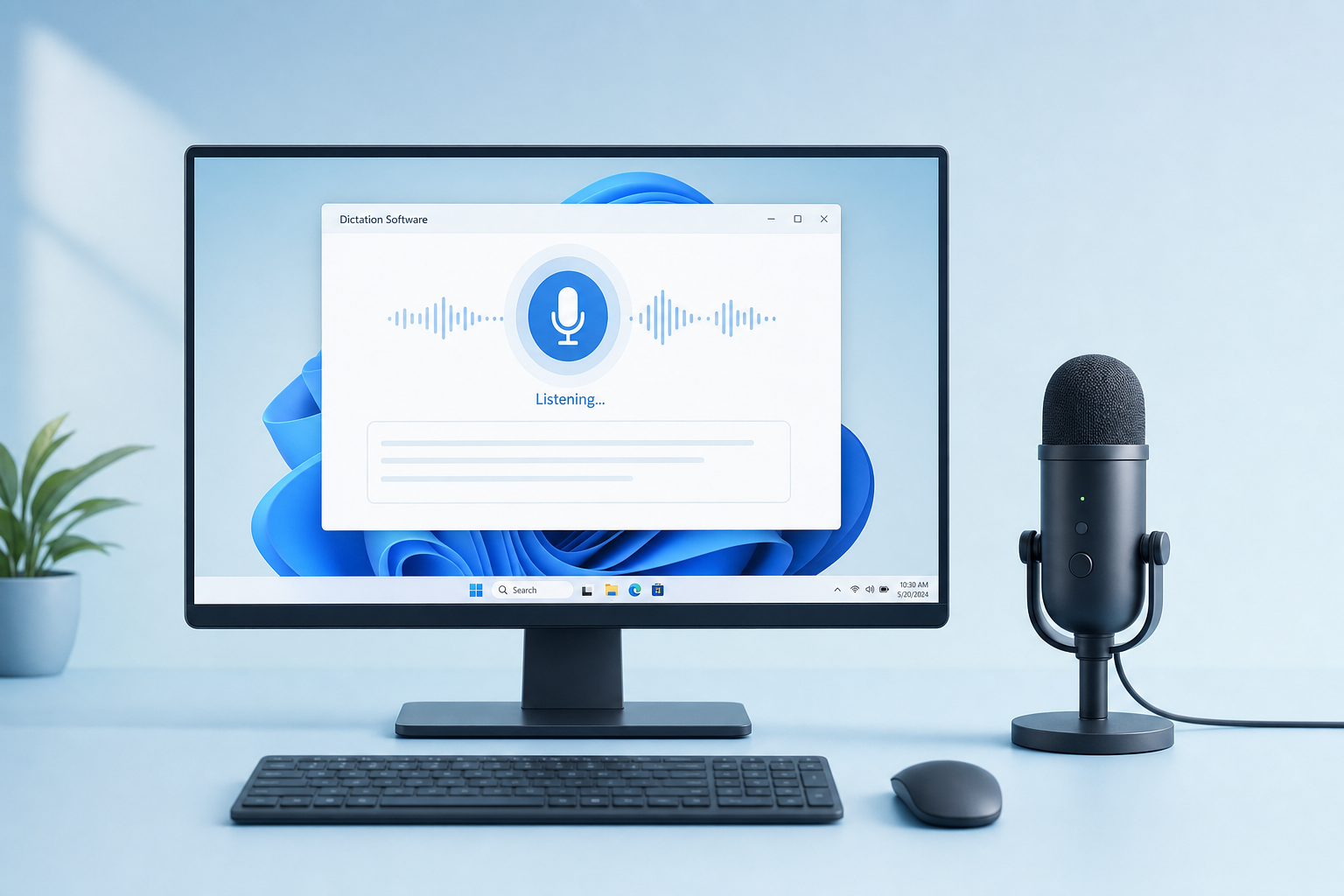
Yes, Spokenly ships a real Windows build: version 0.3.20, 29 MB, Windows 10 and 11, 64-bit. But it is pre-1.0 while the Mac app is on 2.29.4, and the vendor says so itself.

Talk to Text on a Computer: Every Way That Actually Works
How to talk to text on a Windows PC, a Mac, a Chromebook, and inside a browser. The built-in shortcuts, the free web tools, what each one gets wrong, and how to pick.

Windows Voice Typing: How Win+H Works and When to Replace It
Windows voice typing opens on Win+H and turns speech into text in any text box. What it does well, the five limits people actually hit, and what to use when free is not enough.

Windows Speech Recognition in 2026: What Replaced It
Microsoft replaced Windows Speech Recognition with voice access on Windows 11 22H2 and later, starting September 2024. What changed, which commands survived, and how to get dictation working again.

Aqua Voice Review 2026: Is It Worth $8 a Month?
What Aqua Voice Pro at $8/mo includes, why the free tier is 1,000 words for life rather than per month, what the $24 Max plan adds, and the cheaper tools doing the same job on Windows.

How to Dictate in Microsoft Teams (2026 Guide)
Teams has no Dictate button in the chat box. Press Win+H to voice type into any Teams message, what that gets wrong, and the cleanup step that makes a dictated message sendable.

Dictation That Spells Your Jargon Right: 8 Tools Tested (2026)
Which dictation apps let you teach them brand names, drug names and acronyms. Exact menu paths, real entry limits, and the two mechanisms vendors both call a dictionary.

Is OpenWhispr Safe? What Its Own Documents Say (2026)
OpenWhispr has a real ISO 27001 certificate and a SOC 2 report under NDA. Its DPA also says it is not a BAA. The three processing modes decide everything.
Is Superwhisper Safe? What Its Own Docs Say (2026)
Superwhisper is safe in local mode, where nothing leaves your Mac. Its docs name Anthropic, OpenAI, Deepgram and Groq behind cloud modes, and the fully local setup is macOS only.

Is Wispr Flow Safe? What Its Own Privacy Pages Say (2026)
SOC 2 and ISO 27001 are Enterprise-only, transcription is always cloud with no opt-out, and Privacy Mode was renamed in August 2026. Read against the source documents.

Wispr Flow Review 2026: Is It Worth $15 a Month?
What the $15/mo Pro plan includes, what the free 2,000 words a week covers, where the Windows build falls short of the Mac one, and the cheaper tools doing the same job.

Wispr Flow Free Alternative: 6 Tested Options in 2026
Wispr Flow's free plan is 2,000 words a week on desktop, 1,000 on iPhone and unlimited on Android. What each free alternative actually costs you, and which ones run on Windows.

OpenSuperWhisper for Windows: It Does Not Exist (2026 Alternatives)
OpenSuperWhisper is a macOS-only Swift app: every release ships just a .dmg. A similarly named repo builds a Windows .exe but died in April 2025.

OpenWhispr Review 2026: What "Free Forever" Actually Covers
OpenWhispr is MIT-licensed dictation for Windows, macOS and Linux, and local dictation really is free forever. The Pro price shown is the annual rate: it is $8/month, not $6.67.

VoiceInk Review 2026: Price, Privacy and the Windows Gap
VoiceInk is a local, open-source dictation app for macOS. The widely quoted $25 is the one-Mac price: it is $25, $39 or $49 by device count, and it needs Apple Silicon.
VoiceInk vs Wispr Flow: The Windows Answer Nobody Gives (2026)
VoiceInk is $25 to $49 once on Apple Silicon Macs only. Wispr Flow is $15/mo and caps free users at 2,000 words a week on desktop, 1,000 on iPhone, unlimited on Android. Neither is the Windows pick.

Wispr Flow vs Willow: Which Dictation App Wins in 2026?
Wispr Flow and Willow both cost $15/month. Willow is roughly 3x faster, Wispr Flow edits harder and adds meeting notes, and both leave a gap on Windows.

Aqua Voice vs Wispr Flow: Which One Wins in 2026?
Aqua Voice at $8/mo annually against Wispr Flow at $15/mo, read from each vendor page. Why the headline price gap is wrong, what Realtime Mode really costs, and the Windows gap in both.

Wispr Flow vs Superwhisper: Which Wins in 2026?
Wispr Flow is $15/mo, Superwhisper is $8.49/mo. Real vendor prices, what the free tiers cap, the local-model difference, and the Windows gap in both.

Speech to Text on Chromebook: Built-in vs Better (2026)
ChromeOS dictation is Search+D and it is free, but it stops at plain words. How to turn it on, where it runs out, and how BlabbyAI adds AI cleanup in any Chrome tab.

How to Dictate in Excel: Voice Typing in Any Cell (2026)
Excel has no Dictate button on the ribbon like Word does. Use Win+H to speak into any cell, why the mic keeps stopping between cells, and how to fix the workflow.

Best AI Dictation Apps in 2026: 9 Tools Compared and Priced
Every AI dictation app compared on price, platform and what the AI layer actually does to your words. Real 2026 pricing for Wispr Flow, Superwhisper, Willow, Dragon and BlabbyAI.

Medical Voice Recognition Software in 2026: 9 Tools Compared
Nine medical voice recognition tools compared on price, EHR behaviour and what the AI layer does to your dictation. Dragon Medical One, Suki, Freed and BlabbyAI at $8.49.

Wispr Flow Pricing in 2026: Every Plan, Cost and Cheaper Option
Wispr Flow costs $15/month, or $12/month billed yearly at $144. Full breakdown of the free tier word caps, student pricing, and what the same job costs elsewhere.
Dragon Medical One Pricing 2026: Real First-Year Cost
Dragon Medical One costs $79 to $99 per user per month plus a $525 setup fee, so year one lands near $1,713. Reseller prices compared and cheaper options.
Voice Typing Not Working? 11 Fixes for Windows (2026)
Win+H opens but nothing happens? The three fixes Microsoft own troubleshooter leaves out: online speech recognition, group policy, blocked update services.

Word Dictation Not Working? Why Dictate Is Greyed Out (2026)
Dictate greyed out or missing in Word? The privacy setting nobody checks, the licence rule that decides whether you have Dictate at all, and every error message decoded.
Voice Typing Shortcut Keys: Every Dictation Hotkey (2026)
Win+H on Windows, Option+F1 in Word for Mac, Ctrl+Shift+S in Google Docs. Every voice typing shortcut in one table, and how to fix one that does nothing.
Medical Transcription Software in 2026: An Honest Comparison
Medical transcription, dictation, and ambient AI scribes are three different tools. What each one actually does, verified 2026 pricing, and how to pick.
Otter AI Speech to Text: 2026 Review, Limits, Alternatives
What Otter AI speech to text does well (meetings, files), where it stops (it cannot type into your apps), real pricing, and the right tool for each job.
Best Dictation Software for Windows in 2026 (Free and Paid)
7 dictation tools for Windows compared: the free built-ins (Win+H, Voice Access), Word Dictate, and the AI apps worth paying for. Real prices, honest limits.
Microsoft Word Dictation Software in 2026: Your Real Options
Word has dictation built in, if you pay for Microsoft 365. What Dictate does well, where it stops, and the software that dictates into Word without a 365 plan.
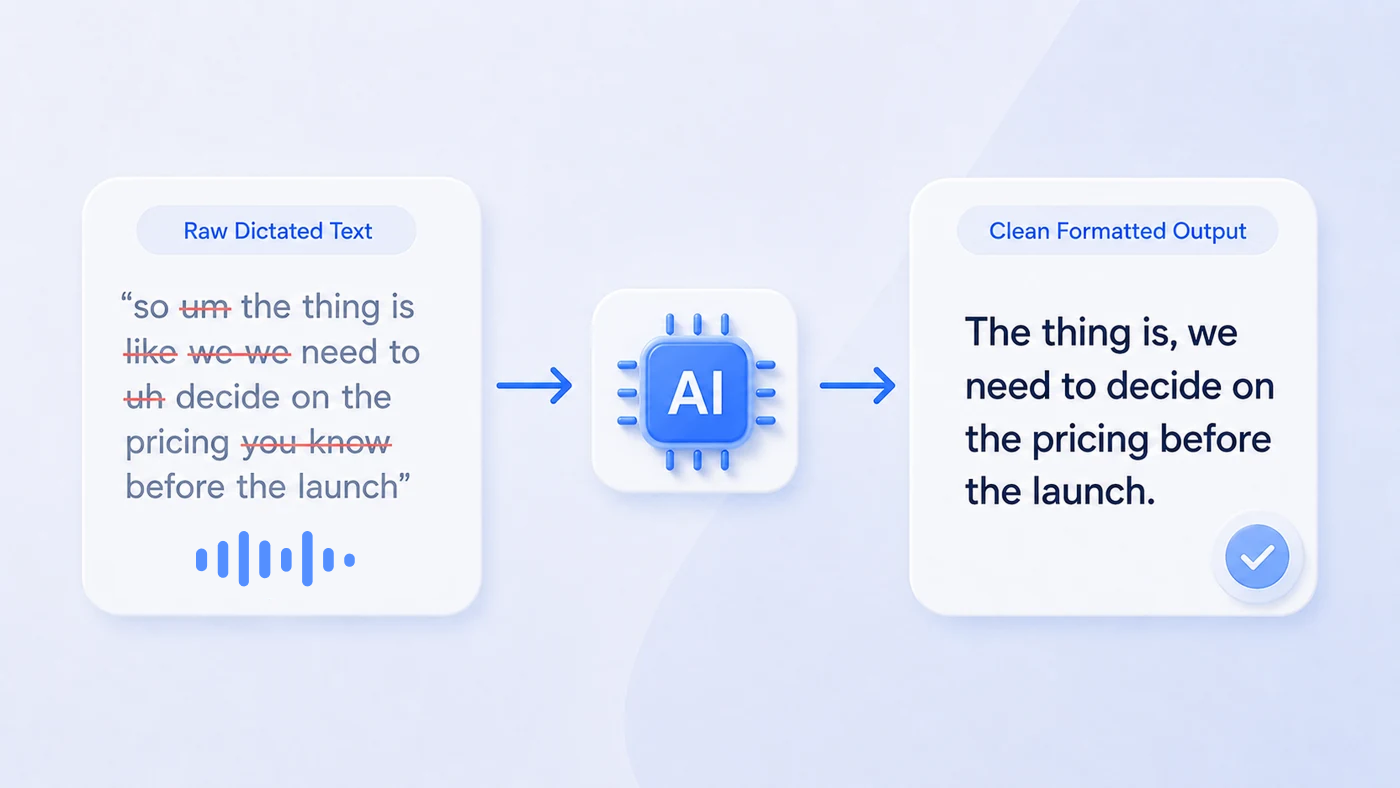
How to Dictate Text That Comes Out Already Formatted
Stop editing raw dictation. Custom AI modes punctuate, format, and translate your speech before it lands in the text field. 8 recipes you can copy.
Best Dictation Apps in 2026 (Free and Paid)
The 11 best dictation apps of 2026 compared by accuracy engine, app coverage, and real price. Free built-ins, AI dictation tools, and which one fits how you write.
Dragon Dictation Software in 2026: Price, Versions, and Alternatives
What Dragon dictation software costs in 2026: around $699 for Dragon Professional, what each version does best, and when a modern alternative makes more sense.
Best Dictation Software for Students (August 2026)
Best dictation software for students in August 2026: free voice typing for essays and notes, honest lecture capture advice, and when paid AI dictation is worth it.
Dictation Software for Journalists: Draft Stories 3x Faster (August 2026)
Journalists speak at 130-150 wpm but type around 40. How dictation software helps you draft stories at speaking speed, and when transcription is what you need.
Voice Dictation for Programmers: Docs, PRs, and AI Prompts by Voice (August 2026)
Honest dictation guide for programmers: not voice-coding, but PRs, docs, and AI prompts by voice at 130-150 wpm vs ~40 typing. Tools, setups, and limits.
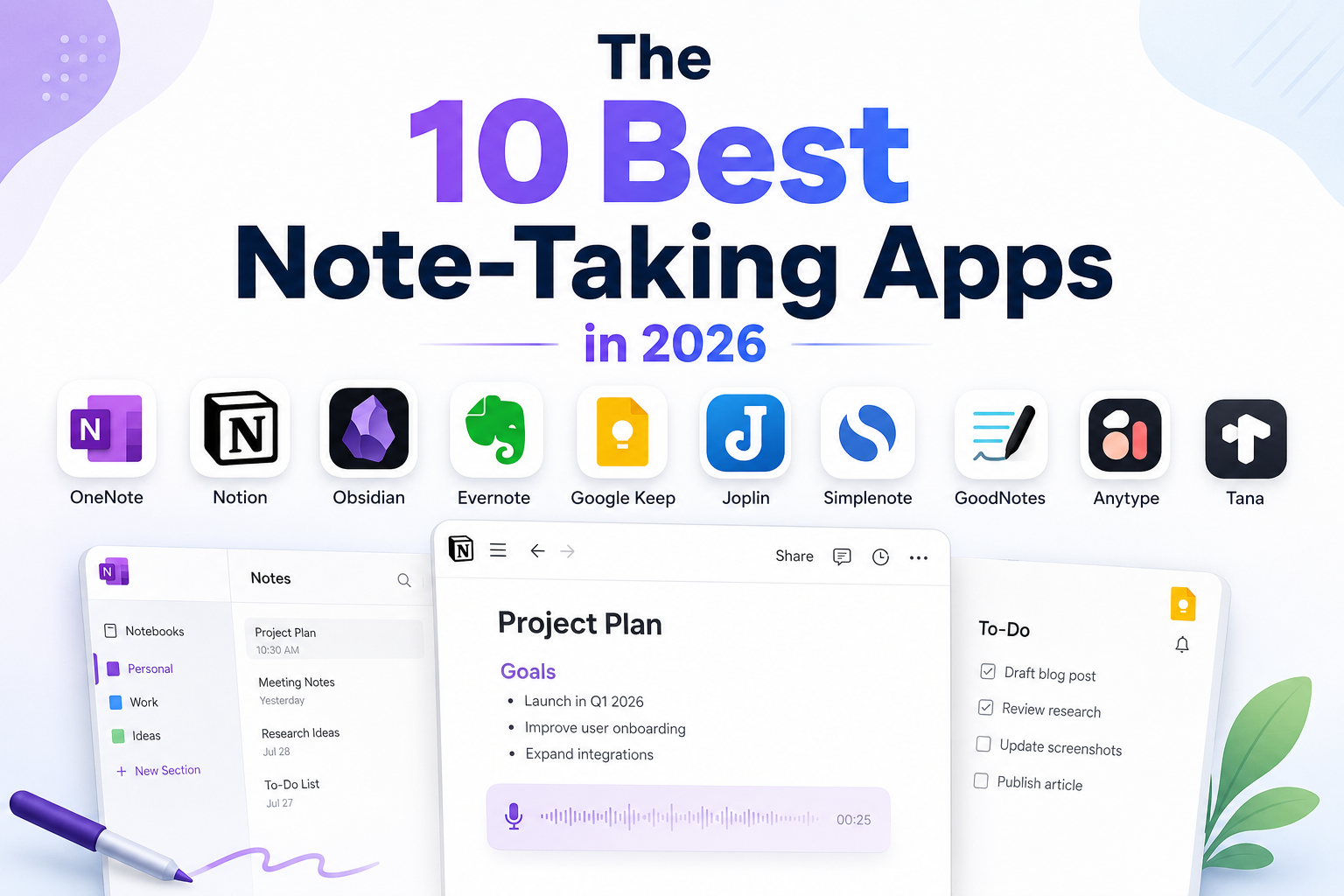
The 10 Best Note-Taking Apps in 2026 (Free and Paid)
The best note-taking apps compared by real free-tier limits, Windows support, and what each one is actually best at: Notion, OneNote, Obsidian, Evernote and more.
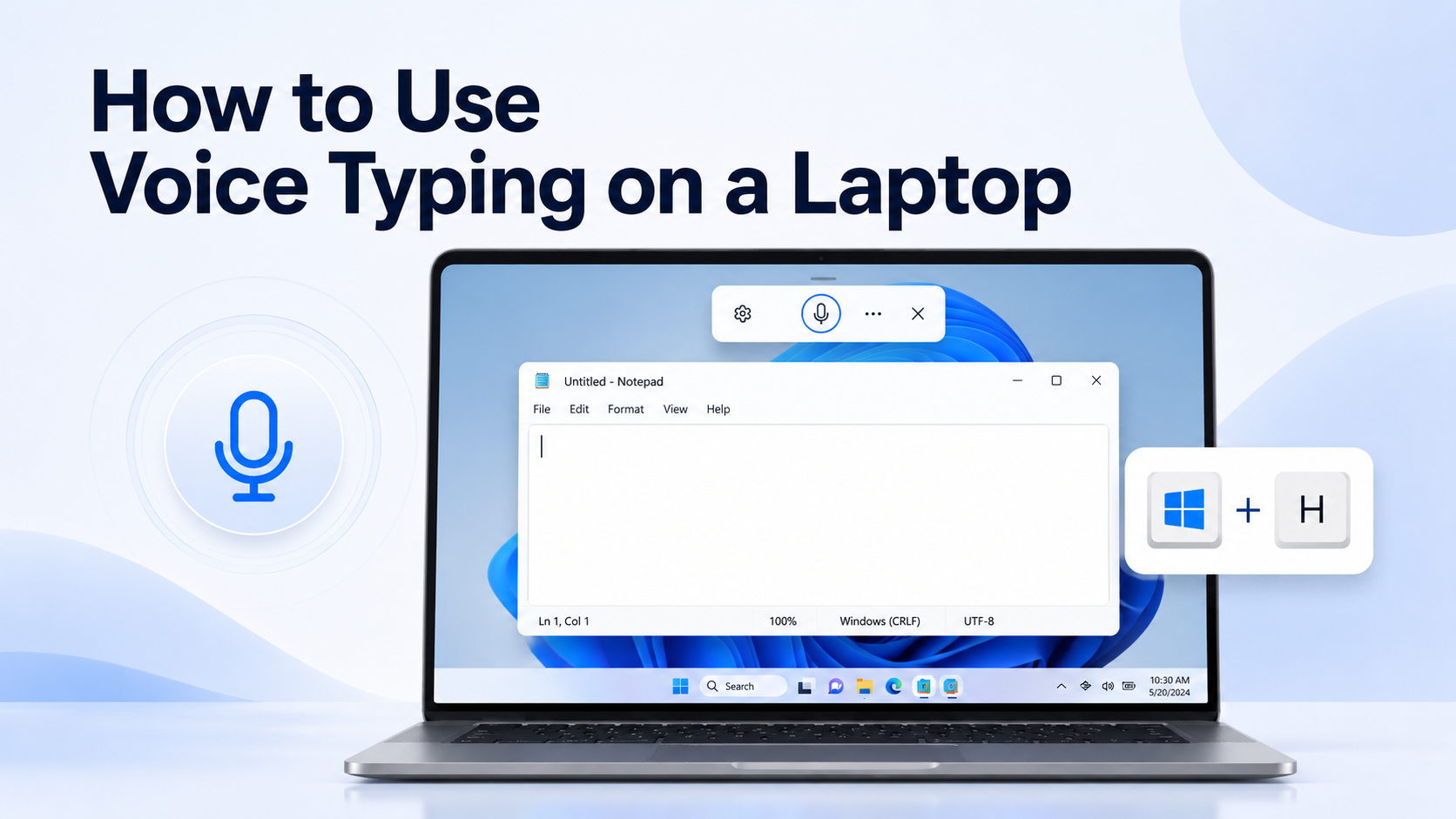
How to Use Voice Typing on a Laptop (Win+H)
Press Win+H to dictate on a Windows laptop. Works on Windows 10 and 11. Mic setup, Chrome and Word tips, and when built-in voice typing is not enough.
Best Free Transcription Software 2026 (Honest Limits)
10 free transcription tools with real free-plan caps, per-conversation limits, and Windows options. Truly free vs freemium vs trial.
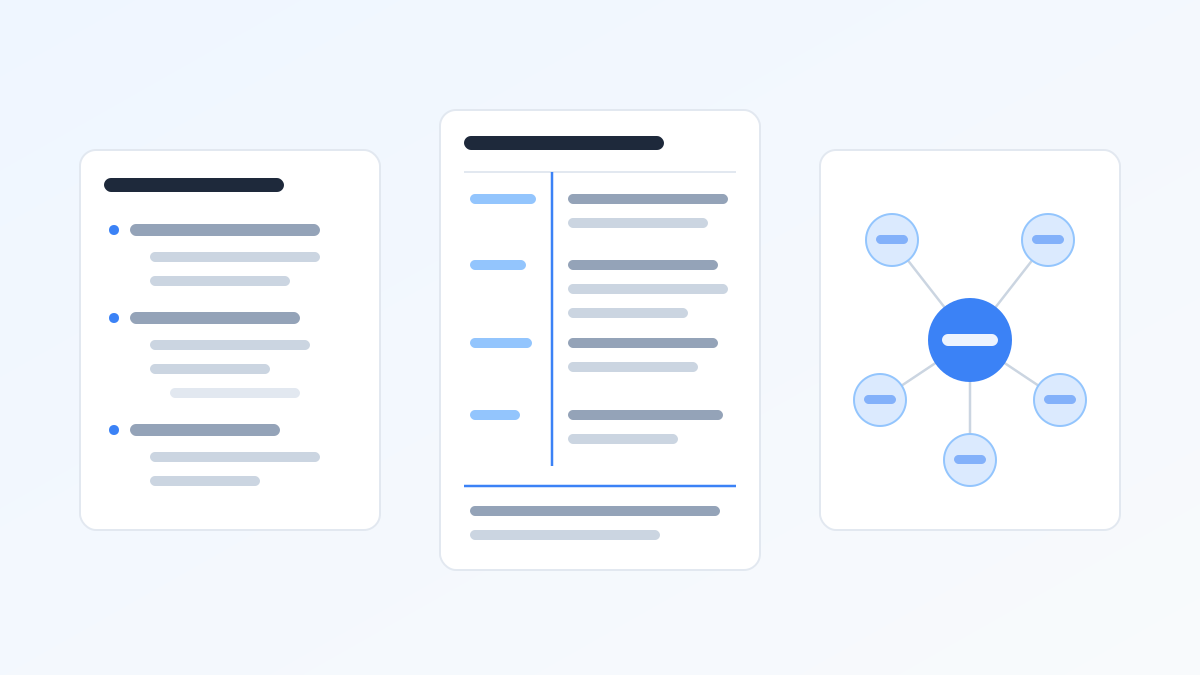
Note-Taking Methods: 10 Systems Compared (2026 Guide)
The 10 best note-taking methods with diagrams: Cornell, outline, mapping, charting, sentence, Zettelkasten and more, what research actually says, and which one fits your situation.
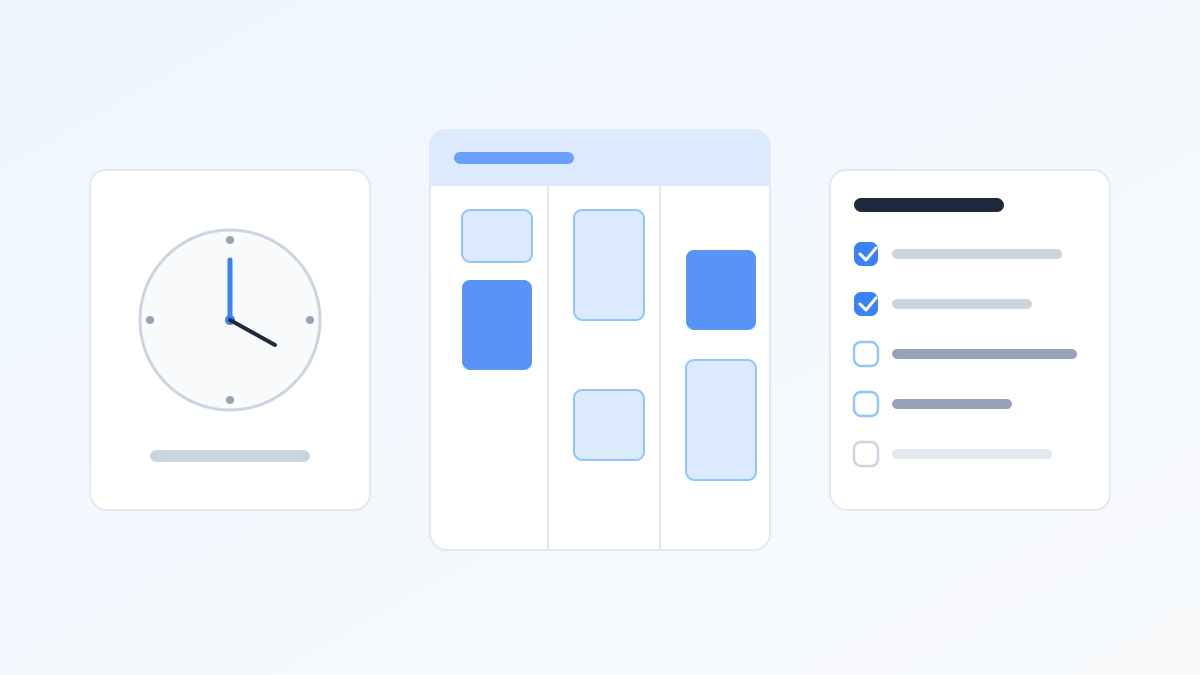
The 10 Best Time Management Tools in 2026 (Tested Prices)
Ten time management tools matched to the ten ways you actually lose time: tracking, blocking, AI calendars, tasks, and writing speed. Prices verified July 2026, full stack under $17/month.
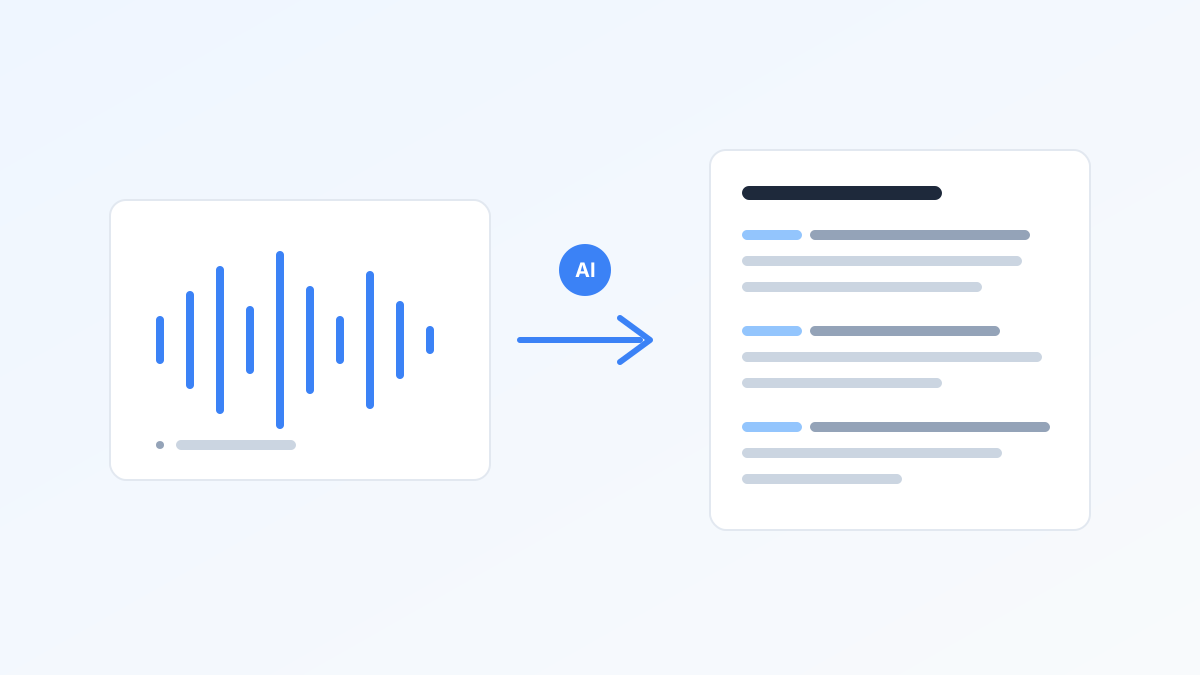
Best AI Transcription Software 2026: 10 Tools by Real Cost
Ten AI transcription tools compared by real cost per audio hour, Windows app availability, and free-tier fine print, plus which ones share the same Whisper engine.
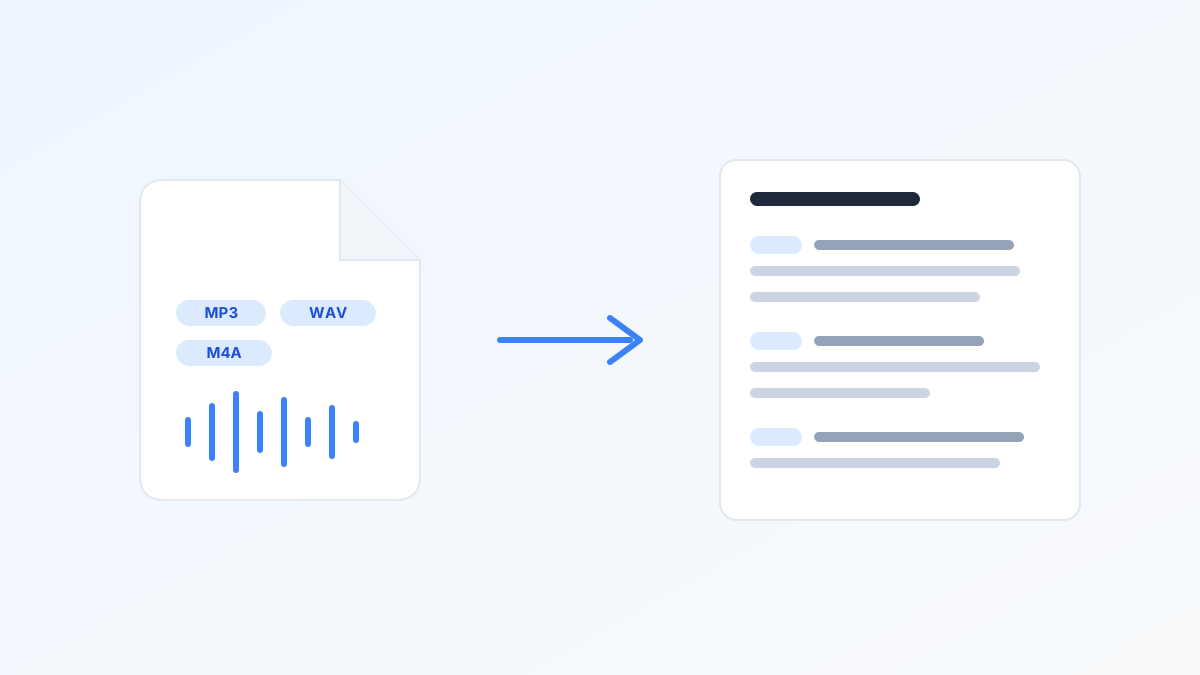
Audio to Text Converter: Turn Any Recording Into Text (2026)
How to convert MP3, WAV, and M4A audio to text in minutes: the best AI converters with their real free limits, honest accuracy numbers, and cost per audio hour.
How to Use Speech-to-Text at Work: 5 Time-Saving Workflows
A 5-step speech to text workflow for work: an honest look at Windows voice typing, five daily moments to dictate, when voice is the wrong tool, and how custom AI modes multiply the gain.
ADHD Study Tips That Work: 10 Evidence-Graded Strategies (2026)
Ten ADHD study strategies graded by actual research evidence: practice testing, spaced sessions, fast note capture, voice brain dumps, exercise, body doubling, and more.
Best Edge and Brave Extensions for Productivity (2026)
Ten time-saving Microsoft Edge and Brave browser extensions that work on both Chromium browsers in 2026, from voice dictation and tab management to screenshots and read-later.
Speechnotes Alternative: BlabbyAI vs Speechnotes (2026)
Speechnotes is a free browser voice-to-text pad on the built-in speech engine. BlabbyAI is system-wide AI dictation on Whisper v3 Turbo that works in any app, with automatic punctuation and AI modes. Free to start, from $8.49/month.
Voice In Alternative: BlabbyAI vs Voice In (2026)
BlabbyAI vs Voice In: system-wide AI dictation on Whisper v3 Turbo with AI modes, versus a browser-only extension with raw transcription. Free to start, from $8.49/month.
Speechify Alternative for Dictation: BlabbyAI (2026)
Speechify is a reader first. BlabbyAI is purpose-built AI dictation on Whisper v3 Turbo, Windows-first, with custom modes and a Chrome extension, from $8.49/month.
SpeechTexter Alternative: BlabbyAI vs SpeechTexter (2026)
BlabbyAI vs SpeechTexter: system-wide AI dictation on Whisper v3 Turbo that works in any app, versus a free browser-only tool. Free to start, from $8.49/month.
Willow Voice Alternative: BlabbyAI vs Willow Voice (2026)
BlabbyAI vs Willow Voice: Windows-first AI dictation on Whisper v3 Turbo, with fully customizable modes and unlimited use from $8.49/month vs Willow at $15.
Voice to Text Software: Speech to Text Tools Compared (2026)
Voice to text software compared for 2026: real prices from free to $699, what accuracy actually means, and how to pick for Windows or the browser.

Best Speech to Text Chrome Extension in 2026: 5 Compared
BlabbyAI, Voice In, Speechnotes, Notta, and Fireflies compared. Which extensions dictate into your text fields, which only transcribe meetings, and which are free.
Google Docs Voice Typing Not Working? 7 Fixes for 2026
Google Docs voice typing not working? Fix it fast: browser permissions, mic settings, the .docx trap, and why a system-wide tool avoids these failures entirely.
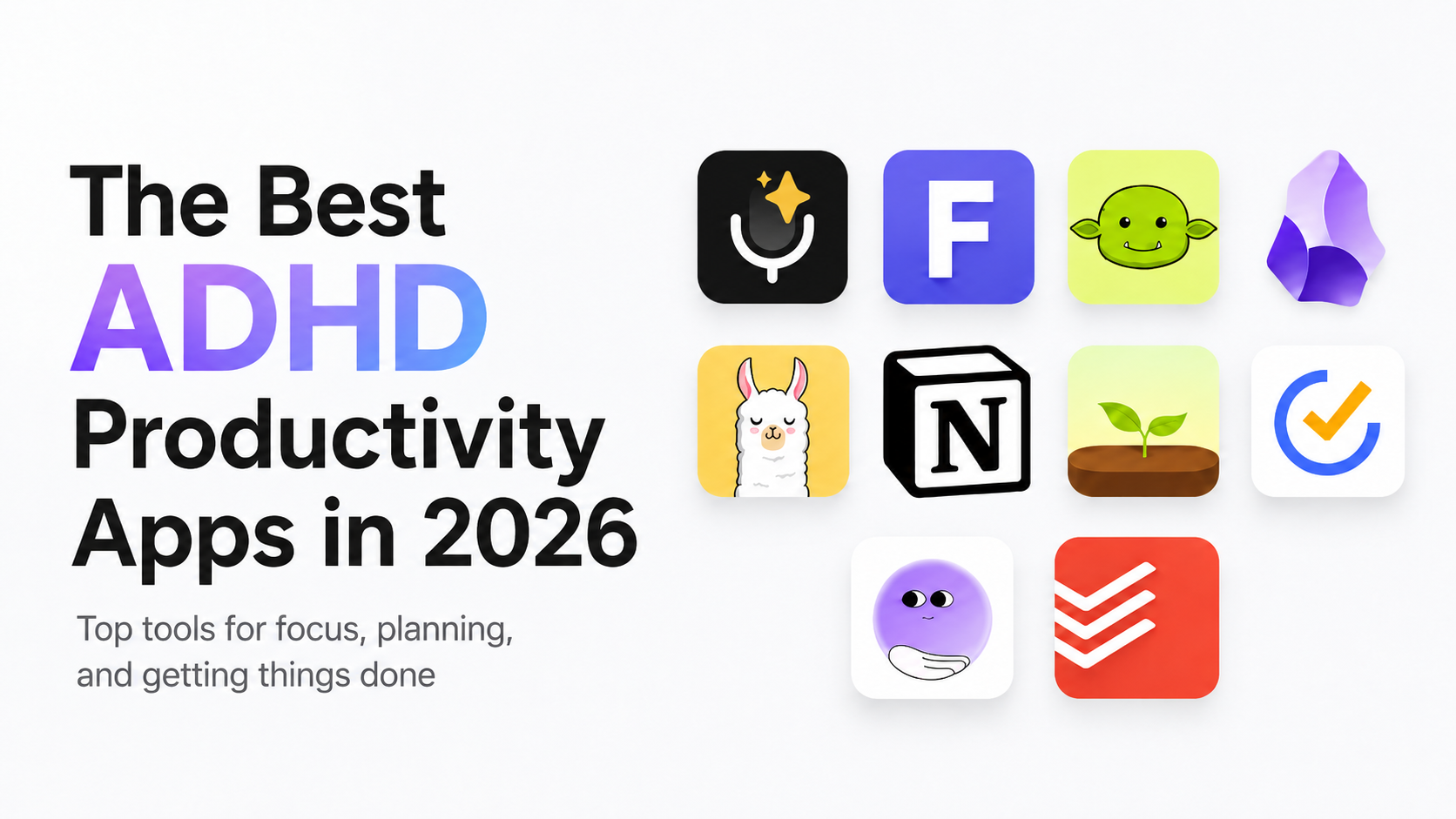
The Best ADHD Productivity Apps in 2026
The best ADHD productivity apps in 2026, from task managers to voice dictation. With 6% of US adults diagnosed with ADHD, the right tool beats more willpower.
How to Dictate in Microsoft Word: Setup, Shortcuts, and a Faster Way
How to dictate in Microsoft Word: find the Dictate button, enable it, and use voice commands. Plus why Word Dictate needs Microsoft 365 and a faster alternative.
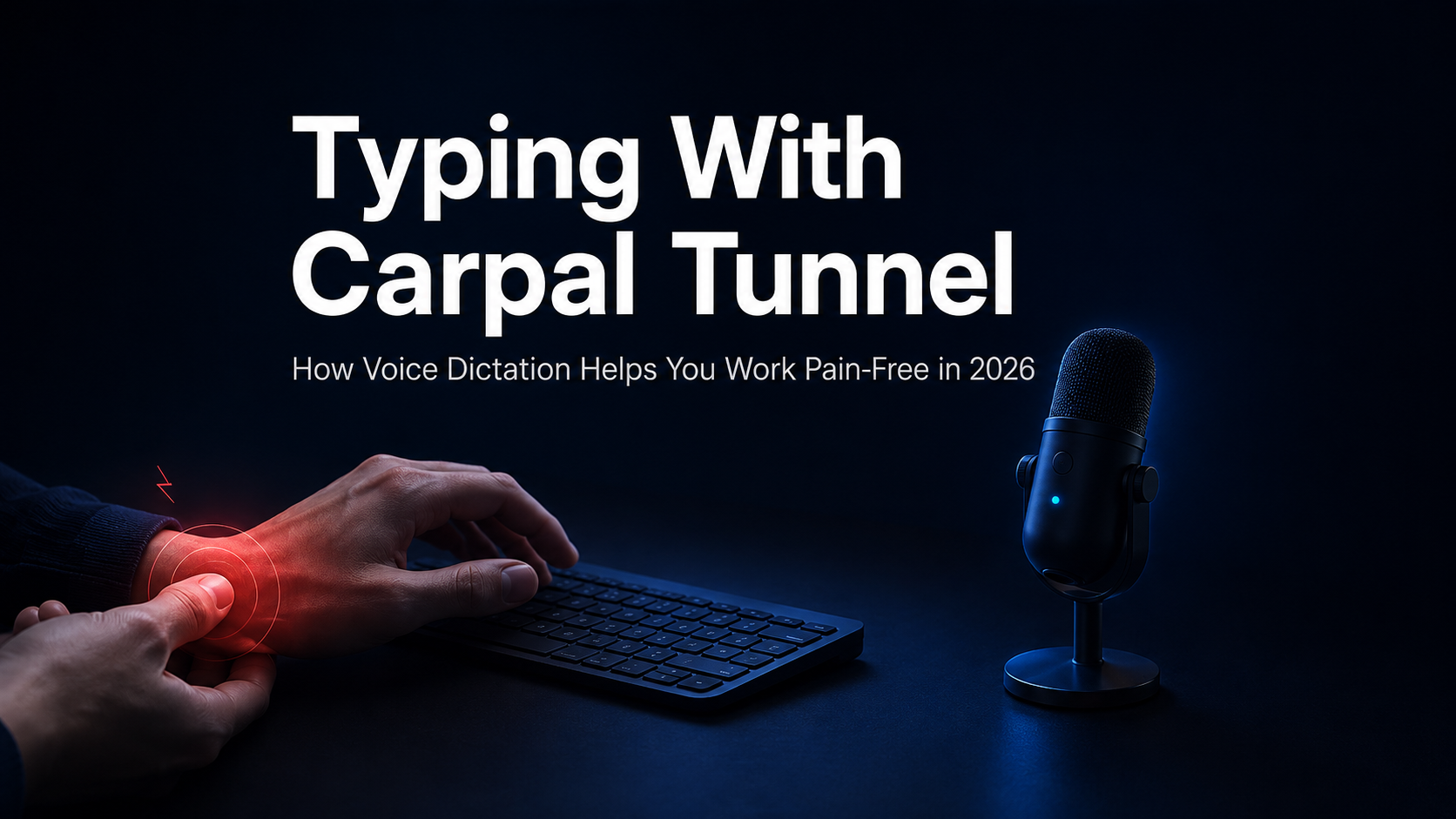
Typing With Carpal Tunnel: How Voice Dictation Lets You Work Pain-Free in 2026
Typing with carpal tunnel makes work painful. Voice dictation on Whisper v3 Turbo cuts keyboard load and hits ~97.93% accuracy, so you can write hands-free.
Wispr Flow Alternative: Why BlabbyAI Wins on Value in 2026
Looking for a Wispr Flow alternative? BlabbyAI brings system-wide AI dictation on Whisper v3 Turbo, a free tier, and unlimited Windows use from $8.49/month.
Best Voice Dictation Apps for ADHD (2026)
Writing is the hardest task for many ADHD brains. Compare the best voice dictation apps for ADHD in 2026 and find the one that turns scattered thoughts into clean text.

Dictation AI: How It Works and the Best Tools in 2026
AI dictation is faster and smarter than old speech-to-text. See what changed, what separates clean output from raw transcription, and which tool fits your workflow.

Voice Typing: Best Tools and How It Works in 2026
Voice typing can be 3x faster than typing. See how modern tools work, what separates clean output from raw transcription, and which option fits your workflow.
5 Must-Have Windows Productivity Apps for 2026
BlabbyAI dictation, Remio knowledge management, Zemith AI orchestration, SkedPal scheduling, and Granola meeting notes for Windows 2026.

Best Medical Dictation Software in 2026 (Dragon vs AI Tools)
The best medical dictation software in 2026 compared: Dragon Medical One, BlabbyAI, Freed, and free options, with real prices and where Dragon still wins.
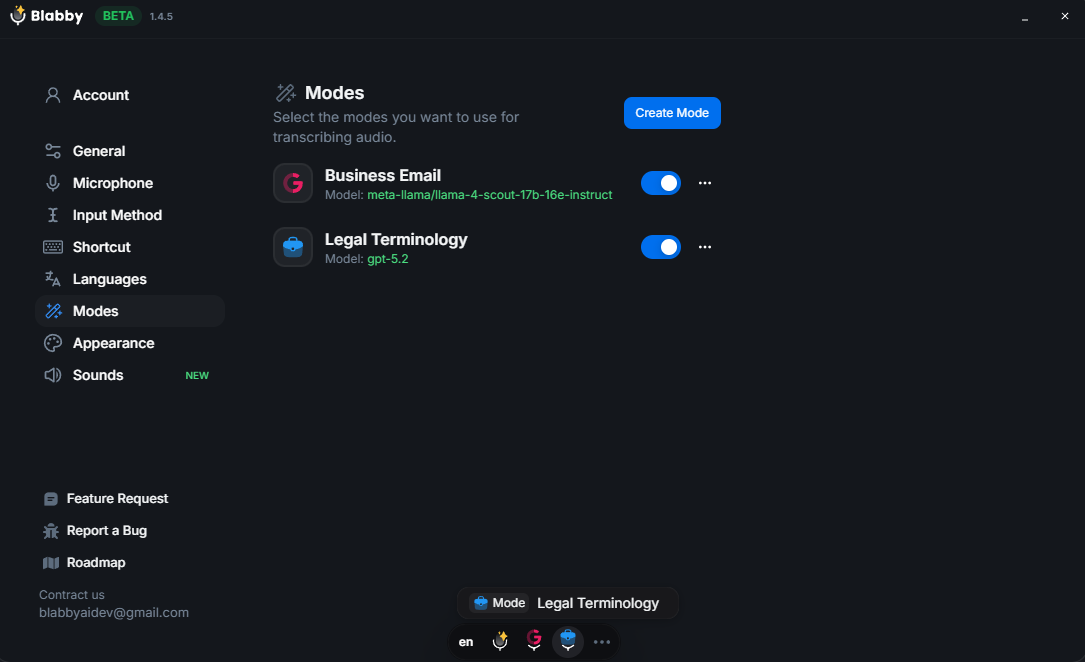
The Best Dictation Software for Lawyers in 2025 (Windows & Desktop)
Discover the best dictation software for lawyers in 2025. Learn why BlabbyAI for Windows is replacing Dragon Legal with AI-powered accuracy, custom legal modes, and seamless integration.
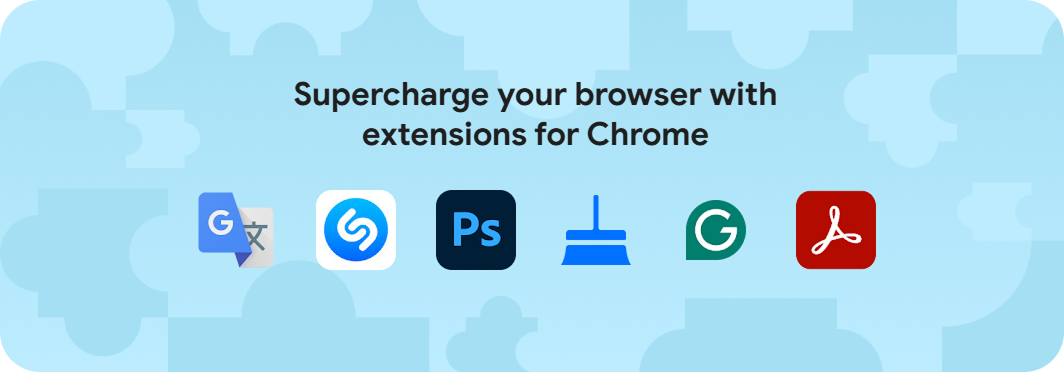
Best Chrome Extensions for Productivity in 2025
10 helpful Chrome extensions to boost your productivity in 2025. Free and powerful tools for Chrome, Brave, and Edge browsers.
Google Docs Voice Typing & Speech to Text: Commands (2026)
How to do speech to text on Google Docs: turn on voice typing, the full commands list, languages, mobile, and fixes, plus a more accurate AI option for Windows.

VoiceDash Alternative: BlabbyAI vs VoiceDash (2026)
BlabbyAI is a Windows desktop app that dictates system-wide into any app, not a browser-only extension. Compared with VoiceDash on modes, history and price.
superwhisper for Windows Alternative: BlabbyAI vs superwhisper (2026)
superwhisper now has a Windows app, but it is Mac-first and younger on Windows. BlabbyAI is Windows-native AI dictation on Whisper v3 Turbo, from $8.49/month.
Voice Typing in Gmail: BlabbyAI AI-Driven Dictation Guide 2025
Learn how to use voice typing in Gmail with BlabbyAI. AI-powered dictation with smart punctuation, custom modes for email formatting, and 3x faster email writing.
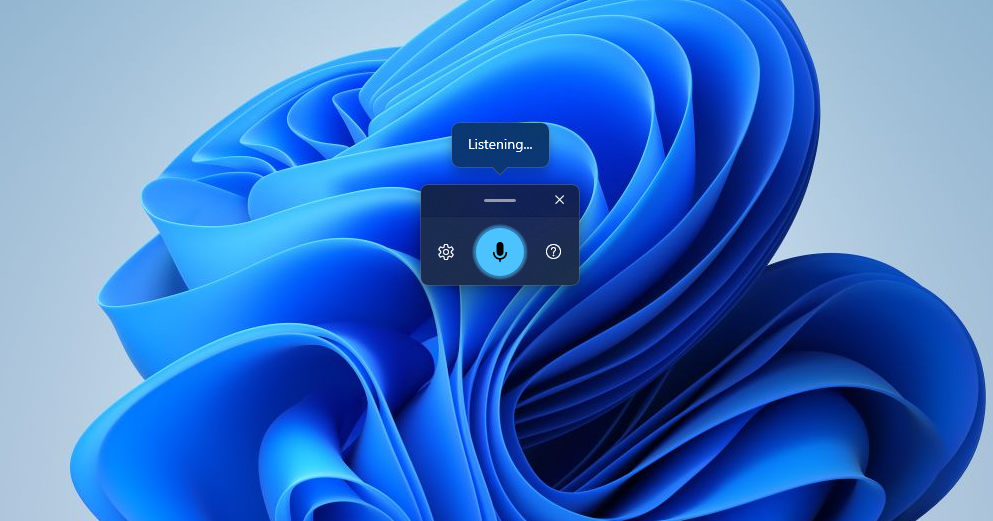
How to Use Voice Typing on Windows 11
Learn how to use voice typing on Windows 11 and Windows 10. Complete guide with keyboard shortcuts, commands, troubleshooting tips, and better alternatives like BlabbyAI.

Typeless Alternative: 9 Options Compared for Windows in 2026
Typeless Pro is $30 a month billed monthly, not the $12 everyone quotes. What 9 alternatives really cost, and which ones run on Windows.