
Published May 30, 2026 · Last updated June 8, 2026 · By Sumbat.T
The Best ADHD Productivity Apps in 2026
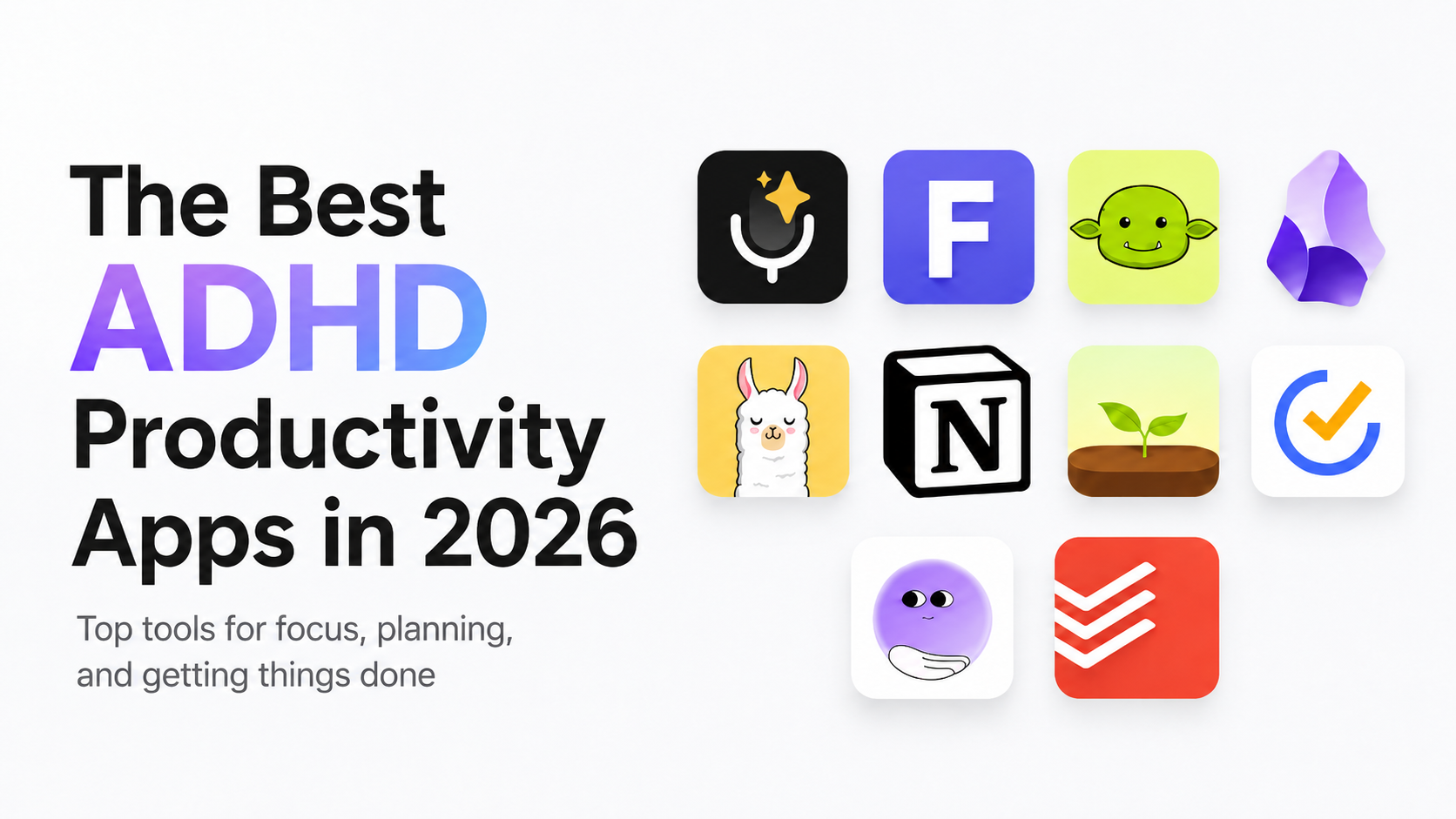
The Shortlist at a Glance
Tap any app to jump to its full breakdown below.
| App | Best for | Why ADHD brains like it |
|---|---|---|
 1 BlabbyAI | Dictation | Just talk and your words land as text in any app, so an idea is saved before you lose it |
 2 Todoist | Tasks | Quick-add plus Ramble, talk and it makes tasks |
 3 Goblin Tools | Task paralysis | Breaks a scary task into tiny ordered steps (free) |
 TickTick | Tasks | Tasks, calendar, and a Pomodoro timer in one app |
 Notion | Brain dumps | One flexible home for messy, non-linear thinking |
 Obsidian | Brain dumps | Local-first linked notes that connect without rigid folders |
 Focusmate | Focus | Live body-doubling lowers the activation energy to start |
 Forest | Focus | Gamified rewards keep a distraction-prone brain on task |
 Tiimo | Time blindness | Visual day planner with icon-based countdown timers |
 Llama Life | Time blindness | One timed task at a time to stop list overwhelm |
Key Takeaways
- ADHD is common: about 6% of US adults, roughly 1 in 16, have a current diagnosis (CDC, 2024). The right tool helps more than more willpower.
- Match the app to the friction: capture, task-paralysis, focus, and time-blindness each need a different kind of tool.
- Voice beats the blank page. Speaking sidesteps the freeze that stalls many ADHD brains, and it is about 3x faster than typing.
- BlabbyAI for Windows is our voice-capture pick: one shortcut, any app, on Whisper v3 Turbo. It starts free.
If generic productivity advice never sticks for you, that is not a character flaw. About 6% of US adults have a current ADHD diagnosis, roughly 1 in 16, and more than half were diagnosed as adults (CDC, 2024). ADHD affects executive function, the brain's system for starting tasks, holding things in memory, and sensing time. The right app works with that wiring instead of against it. Here are the tools worth your attention in 2026, grouped by the problem each one solves.
Why Do ADHD Brains Need Different Apps?
Because the bottleneck is rarely effort, it is executive function. Research shows adults with ADHD have measurable deficits in inhibition, working memory, and planning compared to adults without it (PMC, 2020). ADDitude describes the result well: getting started is "endlessly hard" not from laziness but from weak prioritization and time blindness (ADDitude, 2025).
It shows up at work, too. A WHO World Mental Health Survey across ten countries linked adult ADHD to roughly 22 lost days of performance a year per affected worker (Occupational & Environmental Medicine, 2008). The good news: a tool that removes one specific blocker, starting, capturing, focusing, can claw a lot of that back.
One rule before you download anything: pick for the friction, not the features. A beautiful app you have to configure for an hour is a procrastination trap. The best ADHD tool is the one you can start using in under a minute.
We learned that the hard way testing these tools. The slick, do-everything apps looked best in a demo but went unused within a week, too much setup, too many choices. The ones that stuck were boring and fast: open, capture, done. So the picks below are grouped by the single friction each one removes, not by feature count.
Best for Capturing Ideas Before They Vanish
The fastest capture is your voice. ADHD thoughts arrive quickly and leave just as fast, and the blank page or empty text box is where many of them die. Speaking skips that freeze entirely. ADDitude notes that speech-to-text "frees up working memory" for people who think faster than they can type (ADDitude, 2025).
BlabbyAI (voice capture pick)
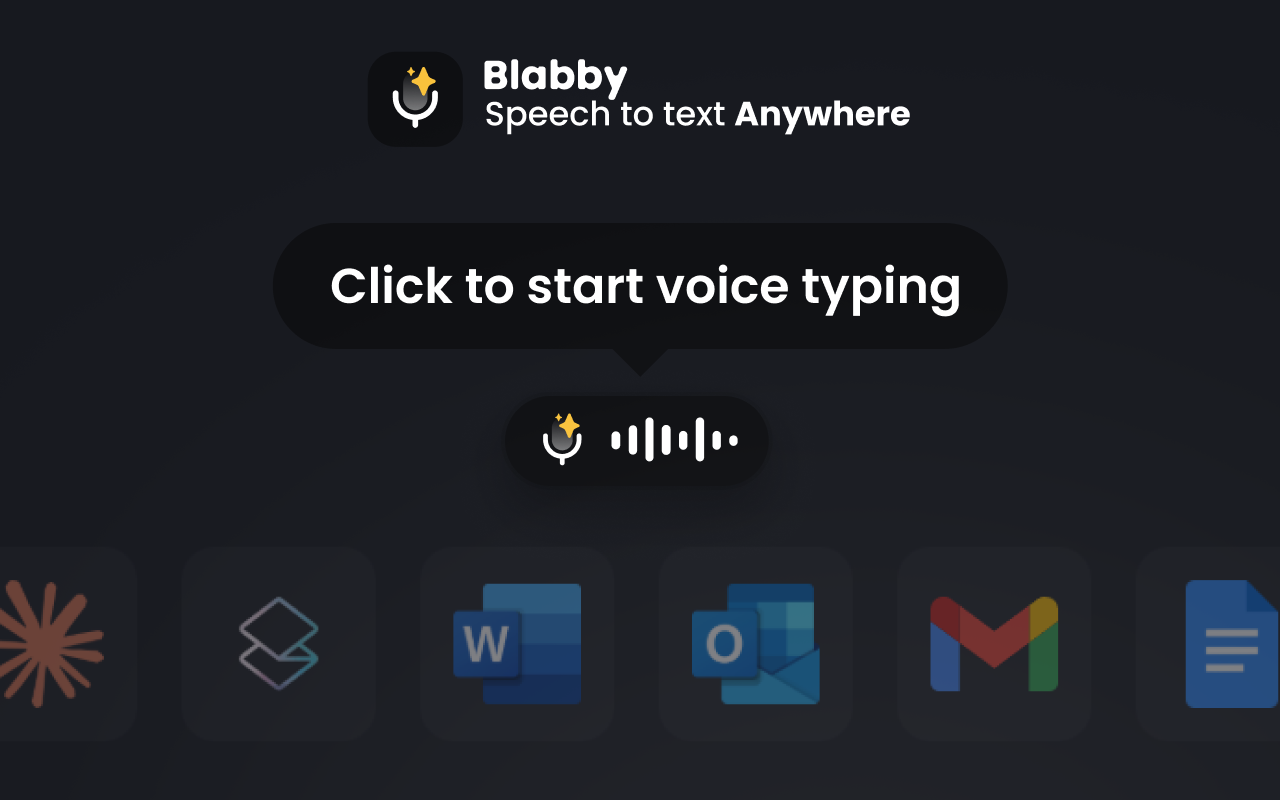
What it does: BlabbyAI is a voice-dictation app that runs natively on Windows and types your speech into any focused text field on one shortcut (Ctrl+Space by default), whether that is a note app, an email, or voice typing in Google Docs.
You capture a thought in the window you are already in, with no app to open first.
It runs on OpenAI's Whisper v3 Turbo, part of the Whisper large-v3 family that reached 97.93% word accuracy on clean audio in MLCommons' 2025 benchmark (MLCommons, September 2025), and speaking runs about 3x faster than typing (Stanford, 2016).
Who it is for: ADHD brains that lose ideas to the blank-page freeze, anyone who thinks faster than they type. Custom AI modes tidy a rambling brain-dump into clean text as you go.
Pricing: free to start with weekly credits and no card, plus a paid unlimited plan.
One downside: the desktop app leads on Windows, and on a Mac, BlabbyAI runs through the browser extension.
Platforms: Windows, Android, browser extension.
For the wider field, see our guide to the best voice typing software in 2026.
Todoist (fast task capture)
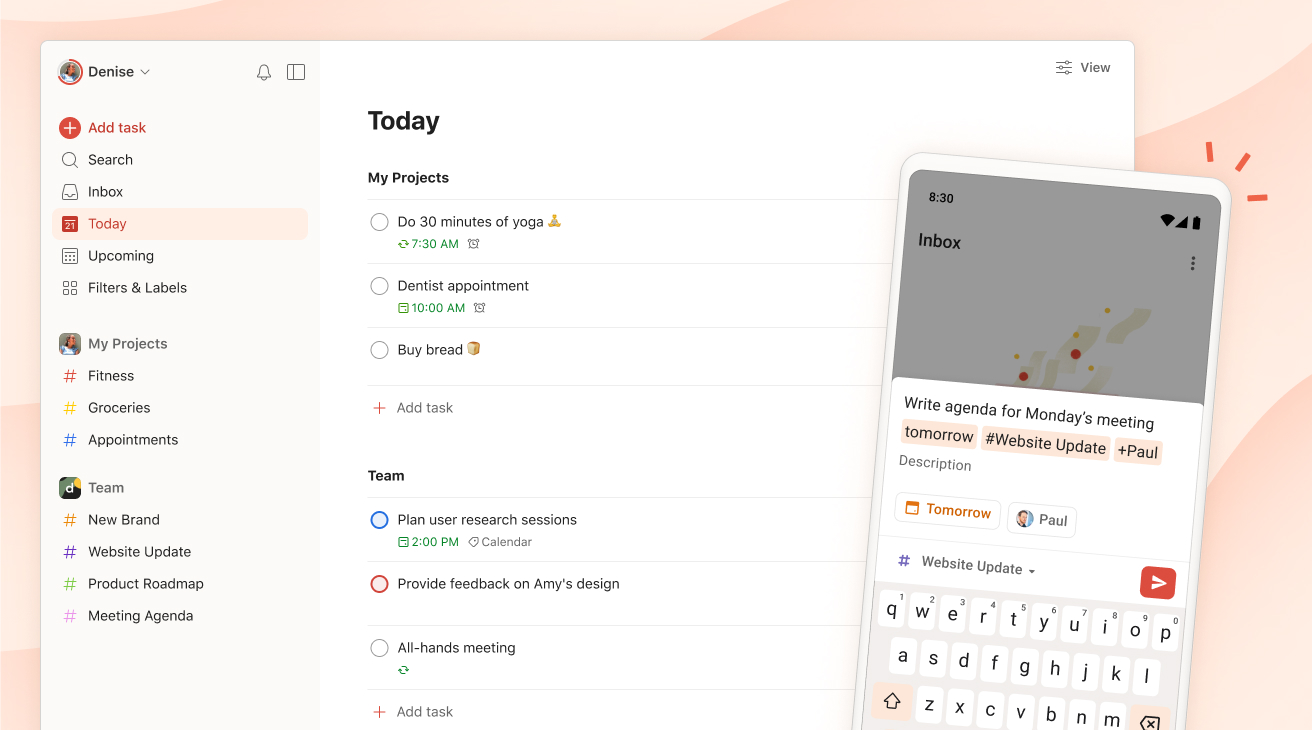
What it does: Todoist is a task manager with natural-language quick-add, so a task lands in two taps before it slips your mind. Its newer Ramble feature is a gift for ADHD brains: you just talk, dumping a messy stream of thoughts out loud, and it turns the ramble into clean, organized tasks for you. No structuring, no blank field to fill.
Who it is for: people whose main leak is forgetting tasks, not writing them, and anyone who thinks out loud.
Pricing: a free tier plus a low-cost Pro plan; note Todoist tightened its free tier to five active projects in late 2025.
One downside: the free plan is now fairly restrictive, with reminders and calendar features locked to Pro.
Platforms: Windows, macOS, Linux, iOS, Android, web, browser extensions.
TickTick (tasks plus a timer)
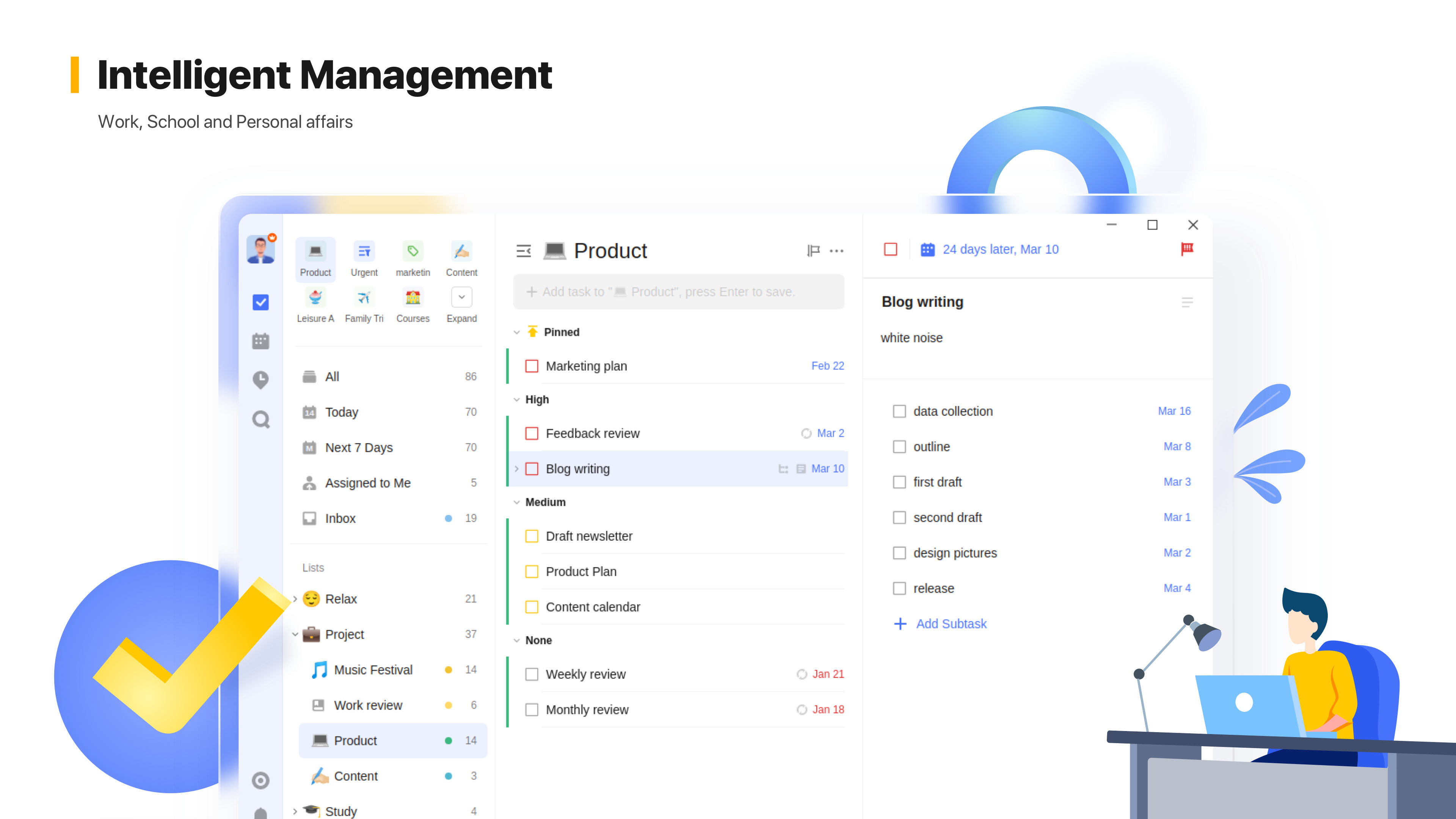
What it does: a task manager that bundles a calendar, habit tracker, and a built-in Pomodoro timer in one app, which means one fewer tool to juggle.
Who it is for: people who want tasks, time, and habits in a single place.
Pricing: a capable free tier plus a single low-cost Premium plan.
One downside: the free tier caps lists and tasks, and calendar views are Premium-only.
Platforms: Windows, macOS, iOS, Android, web, browser extensions.
Best for Brain Dumps and Notes
When your head is too full, you need somewhere to empty it fast. Two tools dominate here, and they suit opposite kinds of thinkers.
Notion (all-in-one workspace)
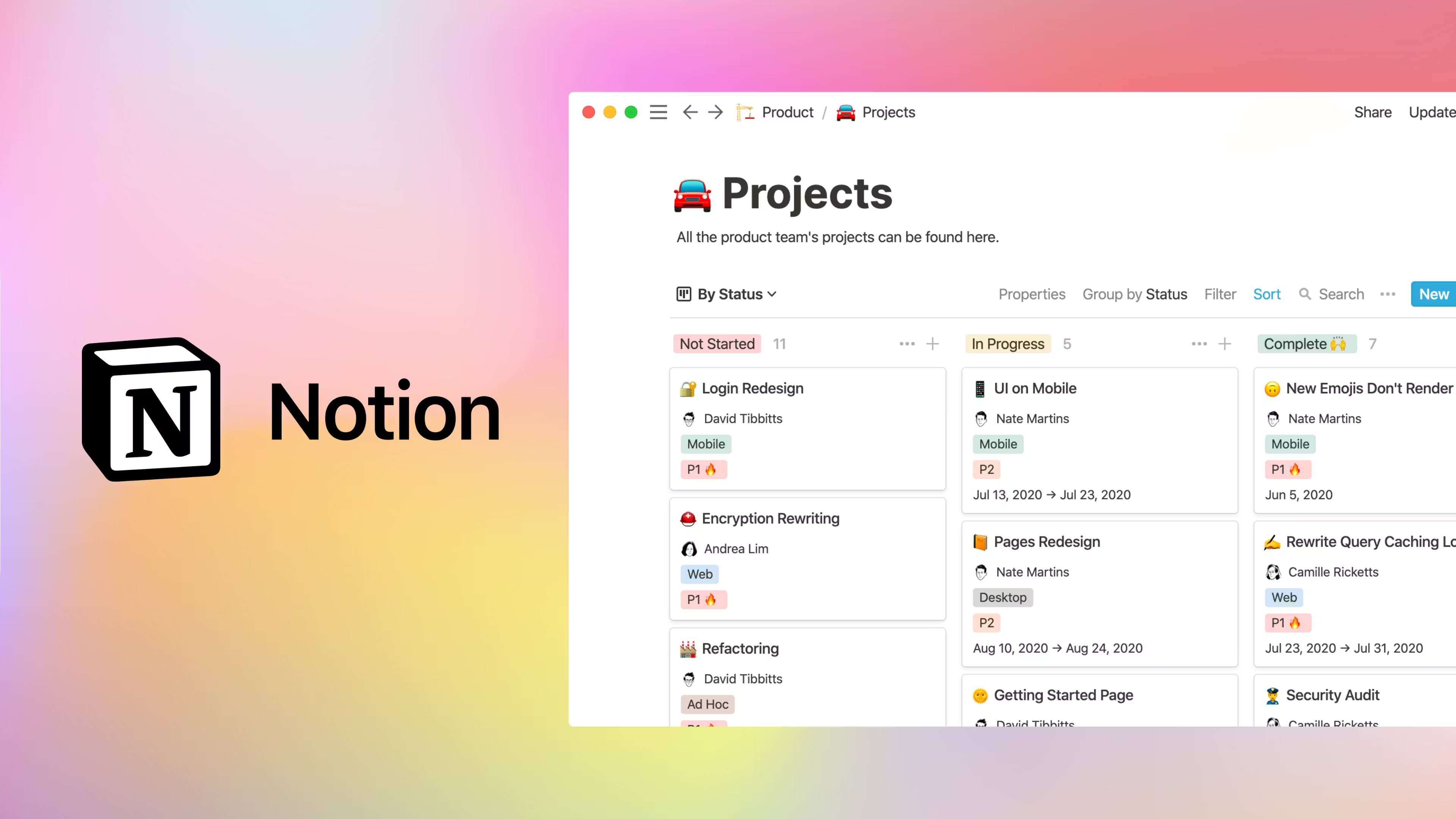
What it does: one flexible workspace for notes, tasks, databases, and brain dumps, the classic ADHD second brain.
Who it is for: people who want everything in one place and enjoy shaping their own system.
Pricing: a genuine free plan covers solo use; paid plans add team features.
One downside: the endless customization is a real trap. For an ADHD brain, building the perfect Notion setup can quietly become the procrastination.
Platforms: Windows, macOS, iOS, Android, web, web clipper.
Obsidian (local-first linked notes)
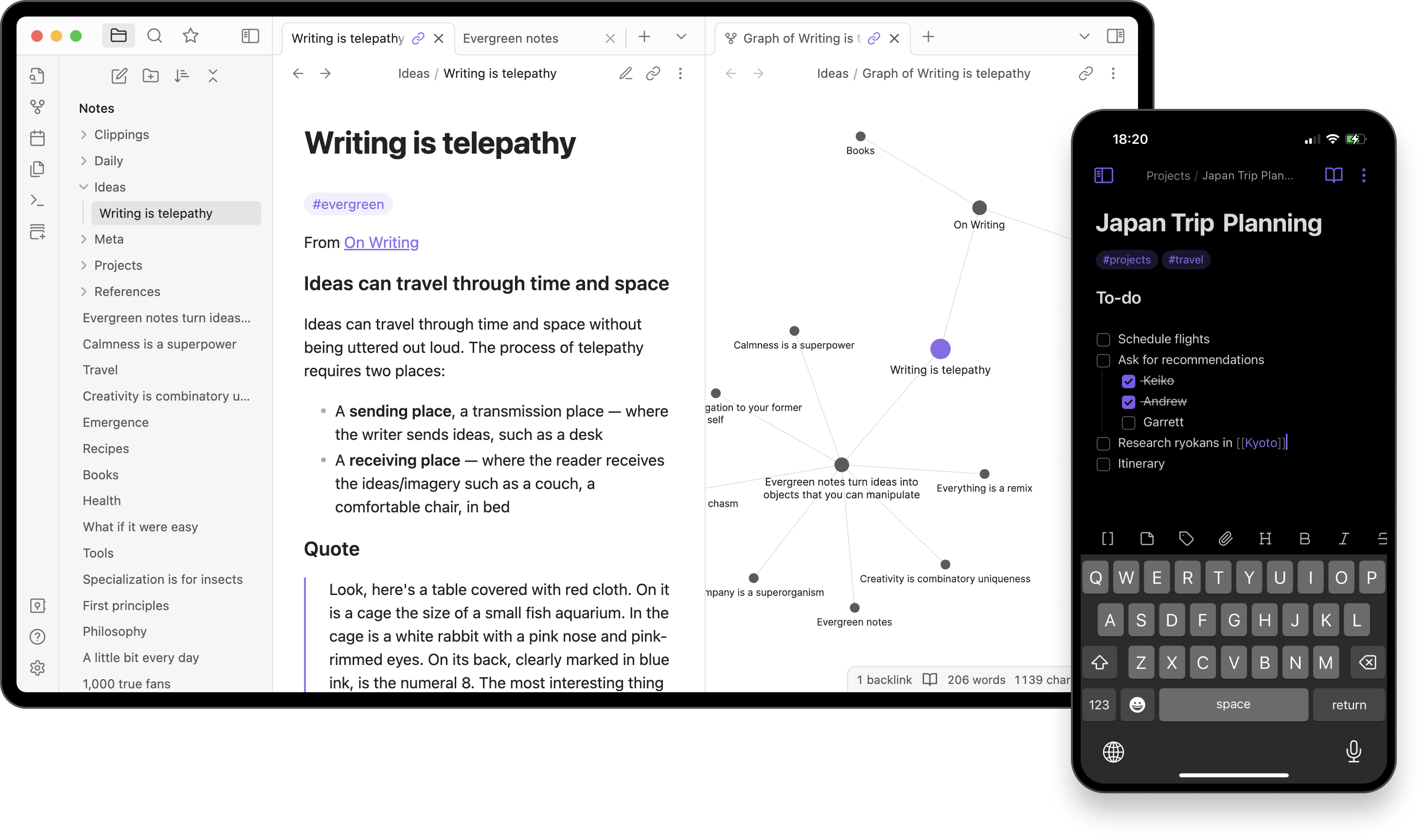
What it does: stores notes as plain Markdown files on your own device and links ideas together, so thoughts connect without rigid folders.
Who it is for: non-linear thinkers and anyone who wants to own their data offline.
Pricing: free for personal use; optional paid sync and publish add-ons.
One downside: no built-in cloud sync unless you pay, and the plugin ecosystem can become its own rabbit hole.
Platforms: Windows, macOS, Linux, iOS, Android.
Pair either tool with voice capture and you can talk a messy thought straight into a note.
Best for Beating Task Paralysis
Goblin Tools (Magic ToDo)
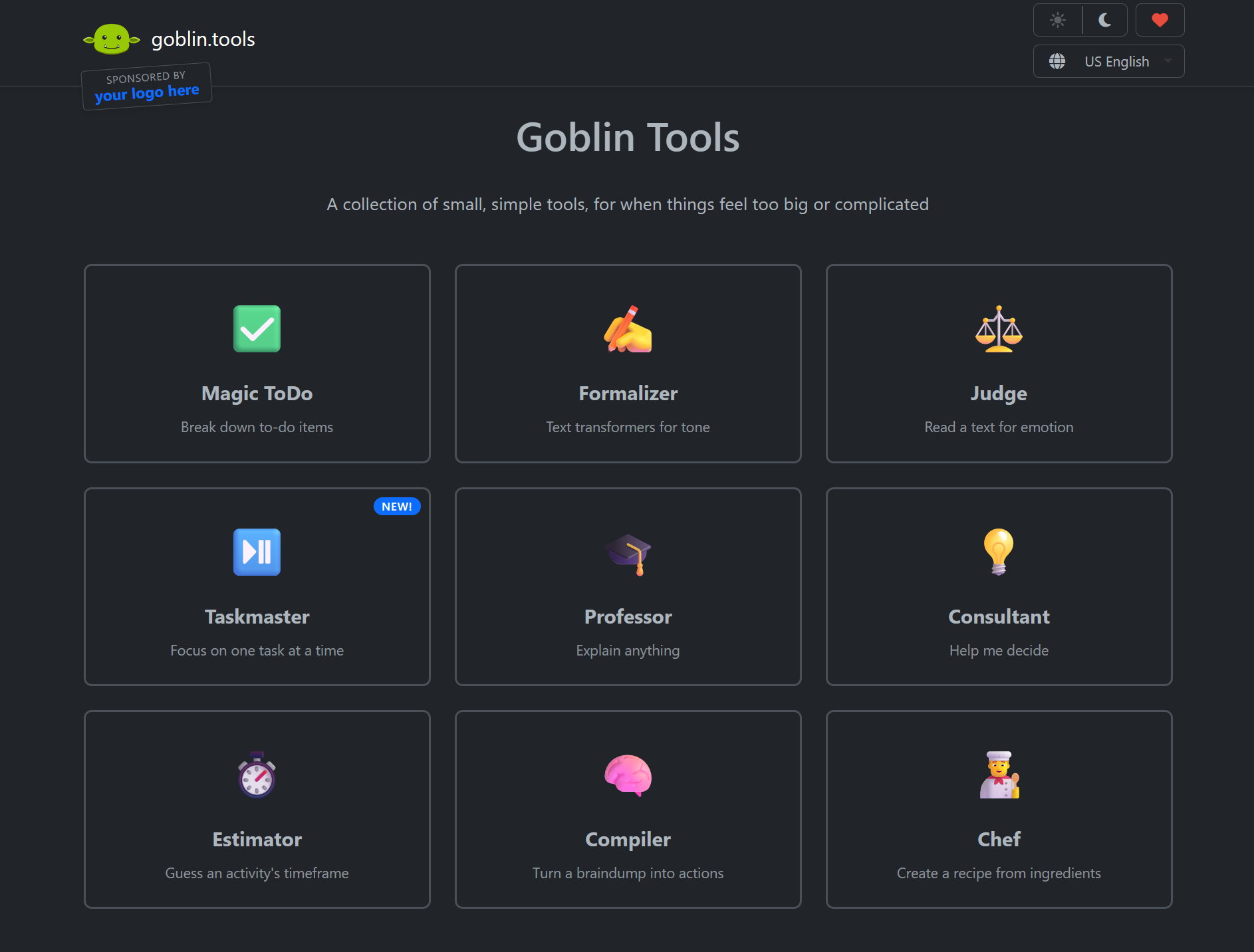
What it does: when a task feels too big to start, Magic ToDo uses AI to break it into tiny, ordered subtasks, with a difficulty dial to make steps even smaller. It directly attacks the task-initiation freeze that defines ADHD executive dysfunction.
Who it is for: anyone stuck staring at a task that feels impossibly large.
Pricing: completely free on the web, with a low-cost one-time mobile app.
One downside: it is a focused helper, not a full task manager, so it pairs with a list app rather than replacing one.
Platforms: web, iOS, Android.
Best for Focus and Following Through
Starting is half the battle; staying is the other half. These tools attack different parts of follow-through, accountability, reward, and a concrete sense of time.
Focusmate (body-doubling)
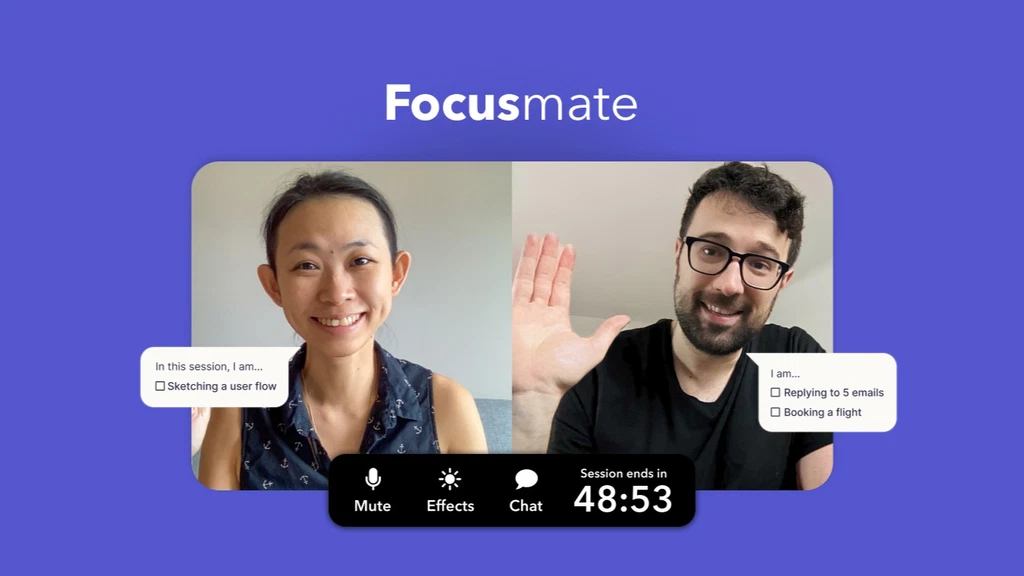
What it does: pairs you with another person on a live video call for a scheduled focus session. That quiet accountability, known as body-doubling, lowers the activation energy to begin.
Who it is for: people who work better when someone else is present.
Pricing: free for a few sessions a week, paid for unlimited.
One downside: it needs scheduling and a webcam with a stranger, a barrier for some.
Platforms: web, iOS, Android.
Forest (gamified focus)
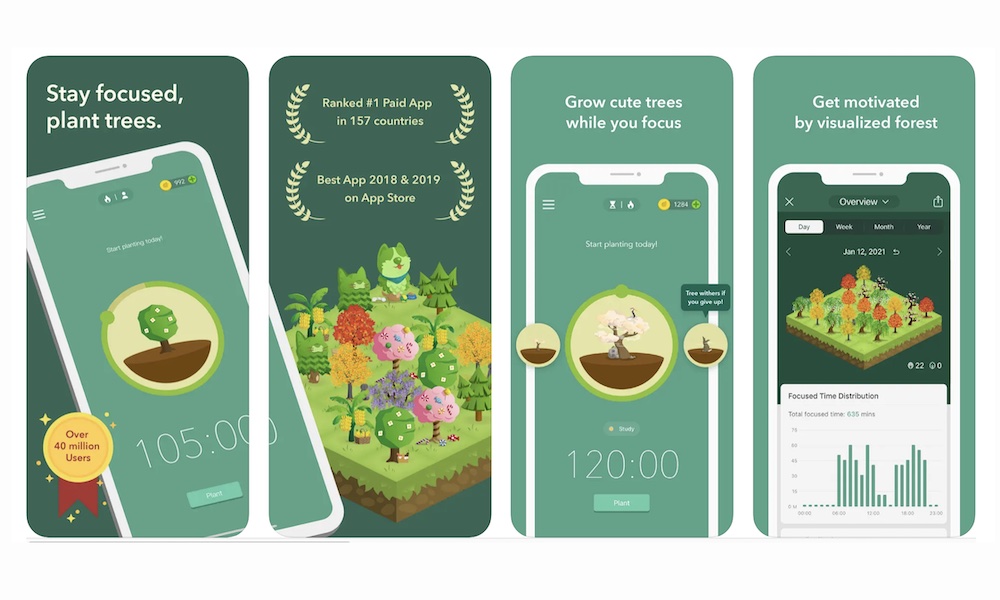
What it does: you plant a virtual tree that grows while you stay off your phone and withers if you leave, a small dopamine reward that suits a reward-seeking brain.
Who it is for: people who lose time to phone-scrolling.
Pricing: a one-time purchase, no subscription, which is a genuine plus.
One downside: the phone mechanic does not stop distractions on a computer, though a browser extension helps.
Platforms: iOS, Android, browser extension.
Tiimo (visual day planner)
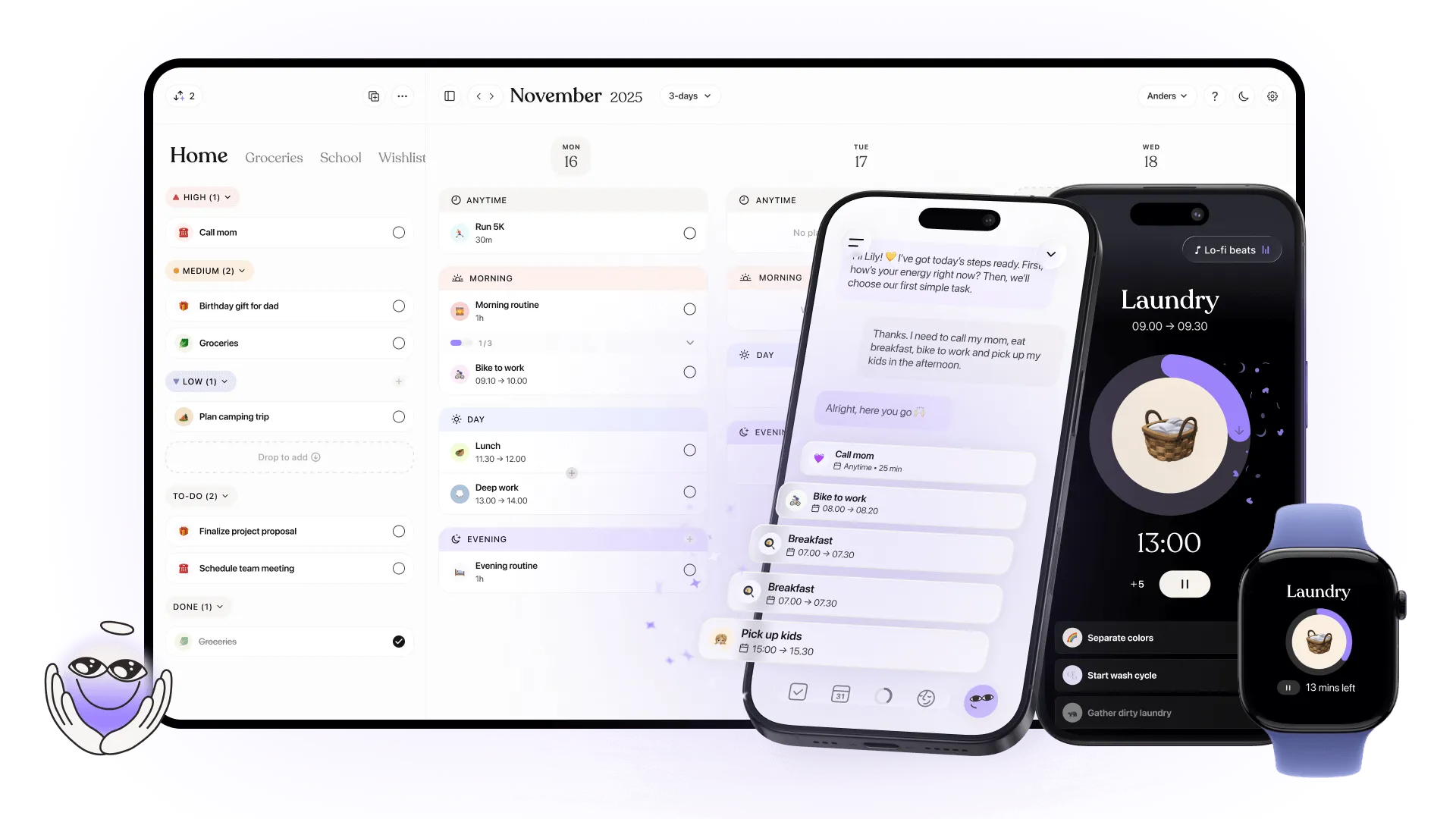
What it does: a visual day planner co-designed with neurodivergent users, with icon-based schedules and countdown timers that make time feel concrete instead of slippery.
Who it is for: people who lose track of time or over-commit their day.
Pricing: a limited free tier plus a paid Pro plan.
One downside: full web access is locked behind Pro.
Platforms: iOS, Android, macOS, web.
Llama Life (single-task timer)
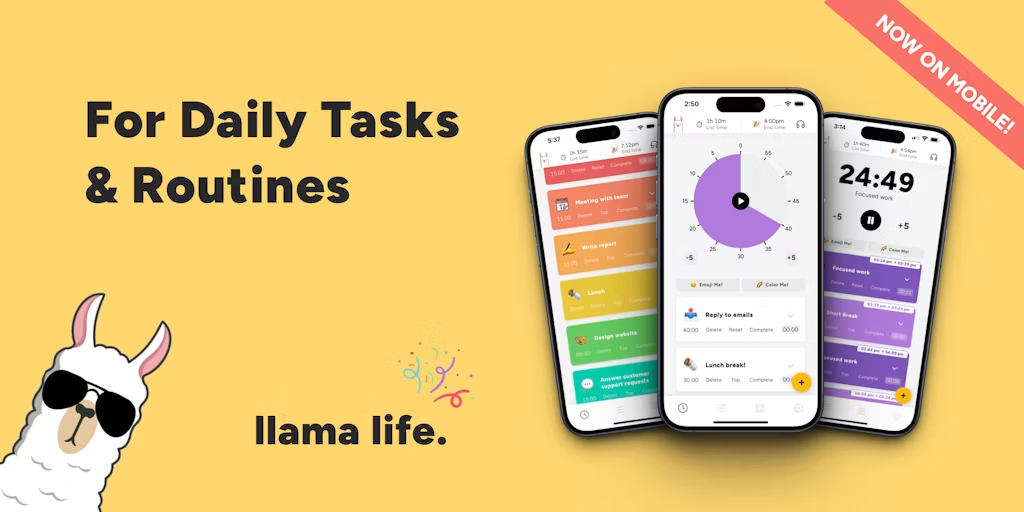
What it does: turns a to-do list into one timed task at a time, with countdown timers and time estimates that fight time blindness.
Who it is for: people who spiral when juggling a whole list at once.
Pricing: a trial-then-subscription model with no permanent free tier.
One downside: no free tier, and it is a focus timer rather than a full task manager.
Platforms: web, iOS, Android.
Capture Every Thought, Out Loud
Speak ideas into any app on one shortcut, on Whisper v3 Turbo. No blank page, no friction. Start free on Windows or Android with no credit card.
How Do You Pick the Right One?
Start with your single biggest friction this week and pick one tool for it. Do not install six at once; that is its own form of avoidance. Most of these have free tiers, so the cost of trying is zero. If your struggle is getting words out at all, start with voice. If it is remembering tasks, start with a quick-add list. Add a second tool only once the first becomes a habit. If wrist strain is part of your story too, our guide on typing with carpal tunnel makes the same case for speaking over typing.
Frequently Asked Questions
What are the best productivity apps for ADHD in 2026?
It depends on the friction you hit. For capturing thoughts before they vanish, voice dictation like BlabbyAI or a fast task app like Todoist wins. For task paralysis, Goblin Tools breaks work into steps. For focus, Focusmate body-doubling or Forest helps. The best app is the one that removes your specific blocker, not the most feature-packed one.
Why do people with ADHD need different productivity apps?
ADHD affects executive function: task initiation, working memory, and time awareness. The CDC estimates 6% of US adults have ADHD. Standard tools assume you can start, prioritize, and track time easily. ADHD-friendly apps reduce that friction with fast capture, visual timers, task breakdown, and accountability instead of relying on willpower.
Can voice dictation help with ADHD?
Yes. ADDitude notes that speech-to-text frees up working memory and helps people who think faster than they can write. Speaking sidesteps the blank-page freeze that stalls many ADHD brains. BlabbyAI runs on Whisper v3 Turbo, part of the Whisper large-v3 family that hit 97.93% word accuracy in MLCommons' 2025 benchmark, so spoken thoughts land as clean text.
Are there free ADHD productivity apps?
Plenty. Goblin Tools is free on the web, Forest has a free browser extension, Todoist and Notion have generous free tiers, and BlabbyAI starts free with weekly credits and no credit card. You can build a full ADHD toolkit without paying, then upgrade only the one or two tools you lean on most.
Does BlabbyAI work for ADHD on Windows?
Yes. BlabbyAI runs natively on Windows and dictates into any app with one shortcut (Ctrl+Space by default). For an ADHD brain, that means capturing an idea the instant it appears, in whatever window is open, before it slips away. No app-switching, no setup ritual, no friction.
Conclusion
There is no single best ADHD app, only the right tool for your specific wall. Match the app to the friction, keep your stack small, and lean on free tiers while you test. If the hardest part is simply getting words down, voice capture is the place to start, and BlabbyAI makes it a single shortcut on Windows, on a benchmark-leading Whisper engine, free to try. Pick one thing, start this week, and let a small win build the next.
Sources
- CDC / MMWR, "ADHD Diagnosis, Treatment, and Telehealth Use in Adults," October 2024, cdc.gov (retrieved 2026-05-30).
- Occupational & Environmental Medicine (WHO World Mental Health Survey), "Adult ADHD and the performance of workers," 2008, ncbi.nlm.nih.gov (retrieved 2026-05-30).
- PMC, "Executive functioning in adults with persistent, remittent, and without ADHD," 2020, ncbi.nlm.nih.gov (retrieved 2026-05-30).
- ADDitude, "Why Getting Started Is Endlessly Hard," May 2025, additudemag.com (retrieved 2026-05-30).
- ADDitude, "Text-to-Speech and Speech-to-Text Tools," May 2025, additudemag.com (retrieved 2026-05-30).
- MLCommons, "Whisper: An MLPerf Inference Benchmark for ASR," September 2025, mlcommons.org (retrieved 2026-05-30).
- Stanford HCI, "Speech Is 3x Faster than Typing," 2016, hci.stanford.edu (retrieved 2026-05-30).