
February 13, 2026
5 Must-Have Windows Productivity Apps for 2026
Windows productivity is no longer about juggling “calendar + task + notes.” The 2026 stack is agentic: it collapses speech input bottlenecks, orchestrates AI models, reschedules your day on the fly, and watches the internet for you. Below are the 5 tools (from our own BlabbyAI dictation layer to Remio, Zemith, and more) that kept showing up in February’s research sprints.
TL;DR
Here’s a quick summary of the key apps discussed below and why they can boost your productivity:
- BlabbyAI : Write with your voice in any Windows app. Accurate speech-to-text with custom AI modes for grammar correction and translation.
- Remio : Unifies emails, PDFs, Slack, and local files into one private "Ask Remio" search index.
- Zemith : One Windows canvas for Gemini, Claude, GPT, and Perplexity, pick the right AI for each task.
- SkedPal : AI calendar that auto-schedules tasks and reschedules when meetings shift.
- Granola : Records from your desktop, no bots in calls. Polished meeting summaries in seconds.
Each app’s pros and cons are detailed in the sections that follow.
1. BlabbyAI Dictation for Windows
AI dictation / input automation
Best for: Anyone who wants to write with their voice in any Windows app, Word, Outlook, Slack, Notion, and more.
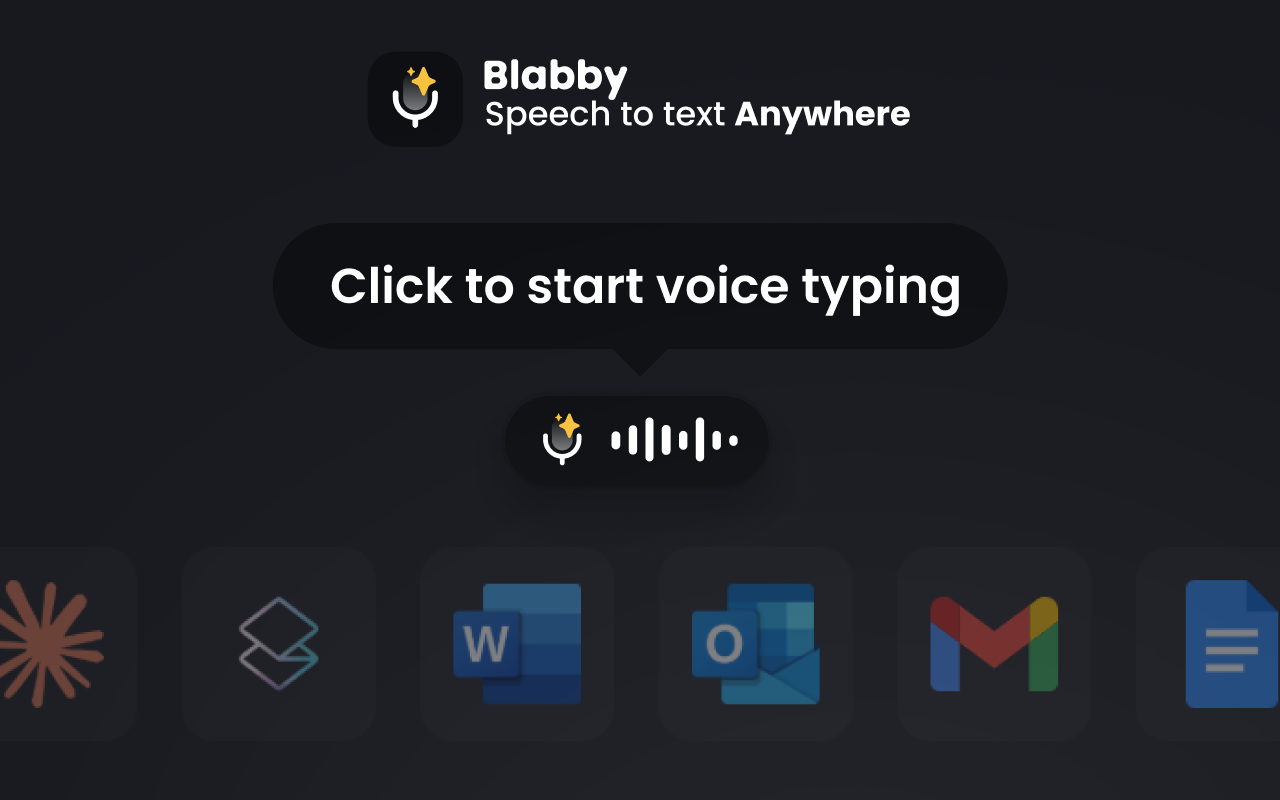
BlabbyAI is a speech-to-text desktop app that lets you write with your voice in any text field on Windows 10 and 11. Whether you need dictation in Microsoft Word, voice typing in Outlook, or hands-free input in Slack, BlabbyAI works everywhere. Powered by OpenAI's Whisper v3 Turbo model, it delivers accurate transcriptions with smart punctuation. Create custom AI modes for grammar correction, translation, or formatting.
A custom spelling dictionary ensures names and special terms are transcribed correctly, and multi-language support with auto-detect makes multilingual dictation seamless. The floating bubble works system-wide, click it or press a hotkey and start talking.
Power tip
Assign a global hotkey so you can start dictating from anywhere in Windows without breaking your flow.
Pros
- Highly accurate speech-to-text powered by Whisper v3 Turbo with AI-driven punctuation.
- Custom AI modes automate grammar correction, translation, and formatting as you dictate.
- Works in any Windows app, Word, Outlook, Slack, Notion, VS Code, EHR systems, and more.
- Custom spelling dictionary ensures names and special terms are transcribed correctly.
- Multi-language support with auto-detect for seamless multilingual dictation.
Cons
- Requires microphone permission and a short learning curve to configure custom modes.
- Auto-detect language mode works best on longer sentences; shorter phrases may be misidentified.
2. Remio AI Second Brain
Knowledge orchestration / PKM
Best for: Operators who need every email, PDF, Slack thread, and video transcript in one private search index.
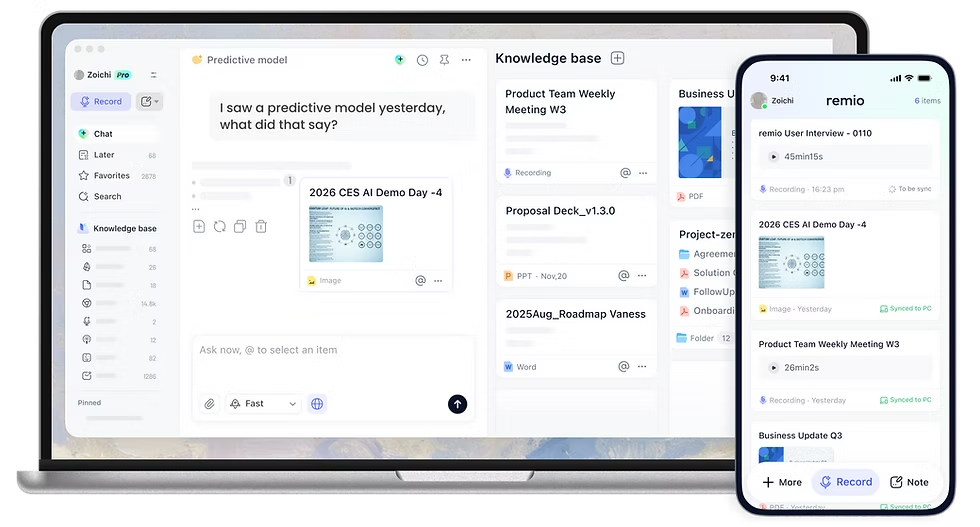
Remio watches your workflow, local folders, Outlook, Slack, Chrome, and builds a private “Ask Remio” brain. Browser captures, local file indexing, and automated YouTube transcript summarization mean that research, meeting prep, and postmortems stop living in random folders.
Because everything stays on-device (or your own cloud storage), legal, financial, and enterprise buyers get the AI drafting boost without shipping data to a third party. Remio’s evidence cards also expose which email, slide, or video clip a response came from, so you can cite sources instantly.
Pros
- Automates brute-force data gathering, saving hours of copy/paste every week.
- Jumps to exact moments in long-form video training thanks to transcript bookmarks.
- Learns your writing tone so drafts sound like you, not a generic chatbot.
- Local-first capture keeps confidential work on your device.
Cons
- Initial integrations (Slack, Gmail, local directories) take patience to wire up.
- Best performance requires modern Windows hardware with an NPU or plenty of RAM.
- Free tier credits go fast if you hammer Ask Remio all day.
3. Zemith Focus OS
AI model orchestrator
Best for: Analysts and creators who juggle Gemini, Claude, GPT-5, and Perplexity but want one Windows canvas.
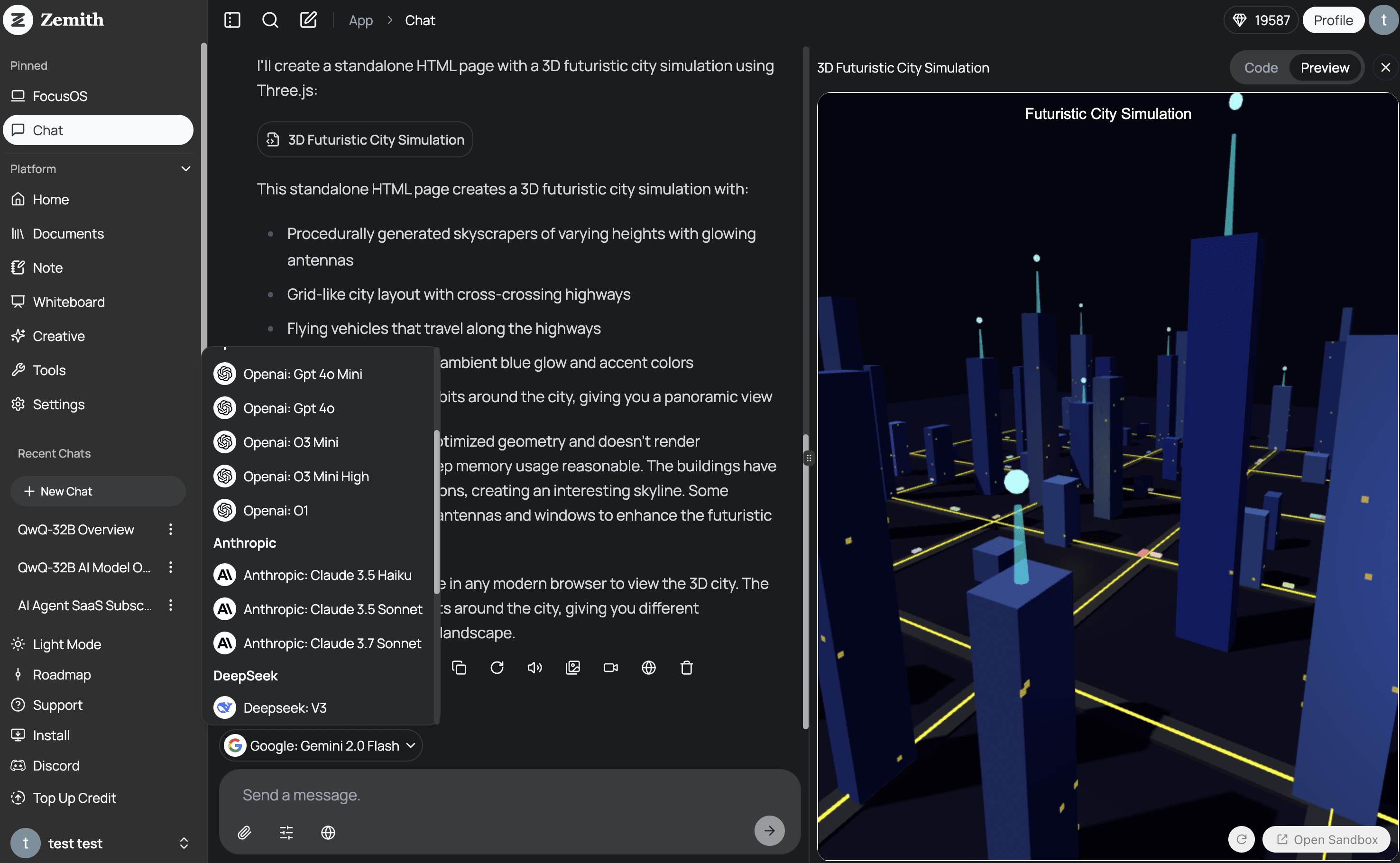
Zemith consolidates the best frontier models, Gemini 3 Flash, GPT‑5.1, Claude 4.5 Sonnet, Perplexity Sonar, inside a minimalist Focus OS. You pick the brain you need (logic, creativity, live web, design) without hopping between subscriptions or browser tabs.
Document Assistant lets you chat with PDFs, create flashcards, or turn policy decks into narrated podcasts. Smart Notepad autocompletes paragraphs contextually, while Deep Research pipes in live web citations whenever you need proof.
Pros
- One credit wallet replaces a half-dozen AI subscriptions.
- Contextual memory remembers project history so prompts stay short.
- Deep Research mode cites sources from the live web.
- Built-in audio + image generation (Flux series) covers creative briefs.
Cons
- Heavy users must watch credit burn, power sessions can add up.
- Niche point solutions may still beat Zemith for very vertical tasks.
- Feature density can overwhelm teams that just wanted “a simple chatbot.”
4. SkedPal Temporal Intelligence
Adaptive calendar / time orchestration
Best for: Knowledge workers drowning in shifting meetings who need auto-rescheduled deep work time.
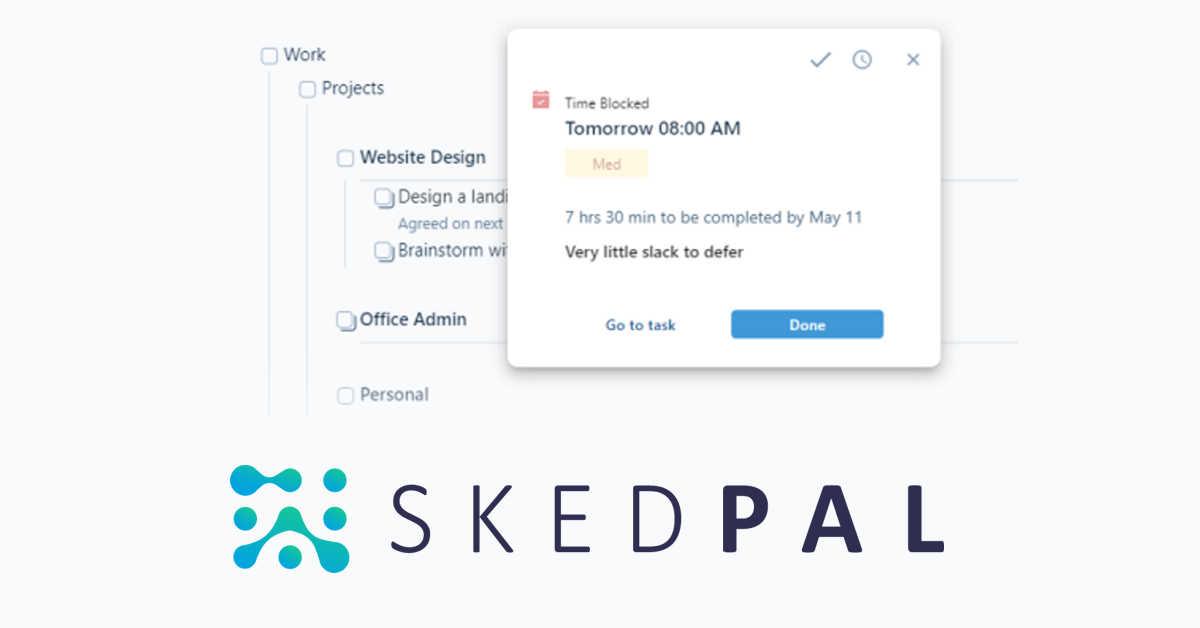
SkedPal ingests your goals, deadlines, and availability, then auto-builds a realistic calendar. When a call runs over or a fire drill hits, Dynamic Rescheduling shuffles the entire plan without you dragging blocks manually.
The 2026 release layers in a Status Tracker that compares actual completion velocity against the AI plan, so you can see slippage before it nukes a project. Outlook, Google, iCloud, Asana, and Zapier sync prevent double bookings across tools.
Pros
- Automates daily planning so you stop living in calendar Tetris.
- Blocks deep work when your energy peaks, no more doomscroll mornings.
- Responds instantly to unplanned conflicts while preserving priorities.
- Two-way sync keeps corporate calendars and task apps aligned.
Cons
- Requires accurate duration estimates to work its scheduling magic.
- AI credits can cost more than a standard calendar for heavy users.
- Primarily optimized for individuals; team coordination is secondary.
5. Granola AI Notepad
Meeting intelligence (no-bot recorder)
Best for: Operators in legal, finance, or research who need pristine notes without an obvious AI bot in the call.
Granola records audio directly from your Windows desktop, merges it with your shorthand notes, and produces a clean, structured summary seconds after the meeting ends. No bots join the Zoom link, so privacy policies stay intact.
Template packs for 1:1s, board meetings, interviews, and pitches standardize reporting, while the post-meeting chat lets you ask “What budget did they mention?” or auto-draft follow-up emails in your voice.
Pros
- Maximum discretion, compatible with any conferencing tool.
- Lightning-fast polished recaps with decisions and next steps.
- AI chat can generate follow-ups, blog posts, or customer updates from the transcript.
- Minimal setup and a distraction-free interface.
Cons
- Pricing tiers beyond the free trial are opaque without talking to sales.
- Works best if you jot shorthand notes during the call.
- Purely automated “hands-off” users may prefer a bot recorder.
Conclusion
The Windows productivity stack in 2026 is less about stacking tools and more about removing bottlenecks. Voice input, knowledge capture, AI orchestration, smart scheduling, and discrete meeting notes each solve a real friction point. Start with what hurts most (typing, search, or calendar chaos) and add from there.
The five apps above represent different corners of that picture. None claim to do everything, but together they cover input, storage, reasoning, time, and capture. Pick the ones that fit your workflow and ignore the rest.