
Published July 26, 2026 · By Sumbat.T
Best Free Transcription Software 2026 (Honest Limits)
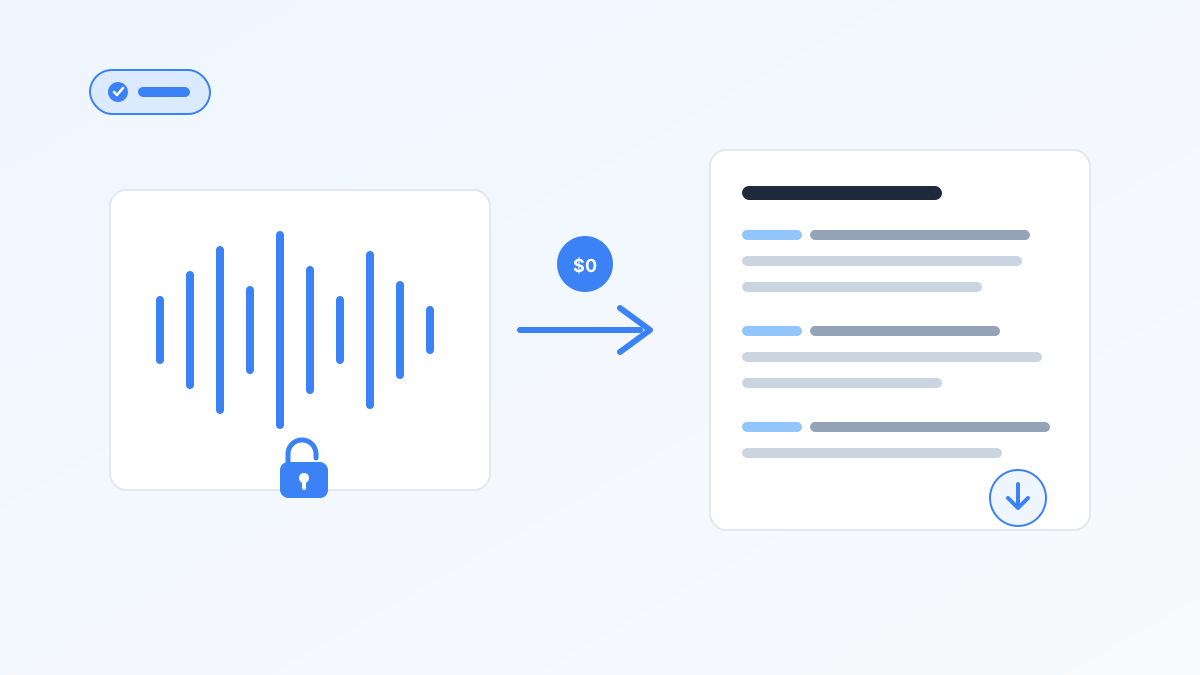
The best free transcription software is the one whose limits match your actual job, not the one with the flashiest "free" badge. Otter's 300 minutes a month shrink under a 30-minute per-conversation cap. Notta's 120 minutes look generous until each free recording stops at 3 minutes with no export. We compared ten tools for Windows users in July 2026, fine print first.
This guide sorts tools into truly free, freemium with caps, and trials. It also separates live dictation, meeting bots, and file uploaders, because shopping for "transcription" when you really want voice typing on Windows wastes an afternoon. Blabby is free to start on that job: 60 credits a week, no card, dictating straight into any Windows app, and our Windows voice typing guide walks through the setup. For paid cost math, see our AI transcription software roundup.
Key Takeaways
- "Free" means three things: truly free (Whisper, Win+H), freemium with monthly and per-session caps (Otter, Fireflies, Tactiq), or a short trial that expires.
- Per-conversation caps beat monthly totals. Notta's 3-minute free sessions and Otter's 30-minute cap cut meetings short even when minutes remain.
- Export locks are the quiet deal-breaker. Fireflies Free blocks downloads; Notta Free blocks export. A transcript you cannot take with you is a demo.
- Accuracy needs context. Whisper large-v3 hit 97.93% word accuracy on clean LibriSpeech (MLCommons, Sep 2025). That is not a Turbo score and not noisy-meeting reality.
- Pick the lane first: dictation for new text, meeting bots for calls, file tools or local Whisper for recordings.
Free live dictation for Windows
BlabbyAI types into any app with Whisper v3 Turbo and AI modes. 60 free credits a week (~2,000 words). It does not transcribe files.
TL;DR: Best Free Option by Use Case
Start here if you only need a quick pick. Speech still outpaces typing by about 3x in controlled mobile text-entry research (Ruan et al., 2016), so the dictation row is not a side note.
| Use case | Best free pick | Why it fits |
|---|---|---|
| Live dictation into apps (Windows) | BlabbyAI | 60 credits/week, Ctrl+Space, AI cleanup modes |
| Built-in free voice typing | Windows Voice Typing (Win+H) | No install, no minute meter, dictation only |
| Meeting notes | Otter.ai | 300 min/mo; watch the 30-min conversation cap |
| High meeting volume (view in-app) | Fireflies.ai | Unlimited transcription; 400 min storage, no download |
| Chrome meeting captions | Tactiq | 10 transcripts/mo, 5 AI credits |
| Occasional file uploads | TurboScribe | ~3 transcripts/day, ~30 min/file (pricing reviews) |
| Private offline files | OpenAI Whisper / whisper.cpp | Truly free local OSS; setup required |
| Podcast / video editing | Descript | 60 media min/mo; edit media by editing text |
| Skip (demo trap) | Notta Free | 3-min sessions + no export; not real work |
What Does "Free" Really Mean in Transcription Software?
Most "best free" lists blur three product types into one word. That is why a tool can look unlimited on the homepage and feel useless by Wednesday. Filter by category before you compare features.
1. Truly free (no recurring minute meter)
OpenAI Whisper and whisper.cpp have no monthly quota when you run them yourself. Windows Voice Typing is free for live speech. Tradeoff: local setup skill for Whisper, or no file upload for Win+H.
2. Freemium with caps (the common case)
Otter, Fireflies, Tactiq, TurboScribe, Descript, Notta, and BlabbyAI's free credit pool all belong here. You get recurring free usage, then hit a wall: monthly minutes, per-conversation length, storage, AI credits, file imports, or export. Read the per-session row before the monthly headline.
3. Trials (time-boxed or one-time)
Some vendors advertise "free" when they mean a one-time credit bundle or a short trial that does not refresh. Useful for evaluation. Not a durable workflow. If the allowance never resets, it is a trial, not a free plan.
Dictation, Meetings, or Files: Which Free Lane Do You Need?
One question decides almost everything: do the words already exist as audio, or are they still in your head? Microsoft's Work Trend Index 2025 describes knowledge workers facing interruptions on the order of every two minutes, which makes long "record then retype" loops especially costly. Pick the lane that removes a step.
- Live dictation: emails, docs, tickets, chat. Use BlabbyAI or Win+H. See voice to text software and speech to text at work.
- Meeting transcription: Zoom, Meet, Teams notes with speakers. Use Otter, Fireflies, or Tactiq. Expect consent norms and bot announcements.
- File transcription: interviews, podcasts, lectures already recorded. Use TurboScribe free, Descript free, or local Whisper. Format walkthrough in our audio to text converter guide.
[UNIQUE INSIGHT] The freemium tools that frustrate people most are usually in the wrong lane: someone burns Otter minutes to "write faster," then still has to type the email. Dictation and transcription solve different bottlenecks.
Free Transcription Software Compared (2026)
Limits below reflect vendor pricing pages and recent third-party reviews as of July 2026. Free tiers change; verify before you build a habit around one quota. TurboScribe figures are approximate where the vendor page blocked automated checks.
| Tool | Free class | Allowance | Per-session cap | Export | Windows | Offline | Real-time | File upload |
|---|---|---|---|---|---|---|---|---|
| BlabbyAI | Freemium | 60 credits/week (~2k words) | Credit-based | Text into apps | Yes (app) | No | Yes (dictation) | No |
| Win+H Voice Typing | Truly free | Unlimited (OS) | None published | Into focused field | Yes (built-in) | Partial | Yes | No |
| Otter.ai | Freemium | 300 min/mo | 30 min/conversation | Yes (plan limits) | Yes (app) | No | Yes | 3 lifetime imports |
| Fireflies.ai | Freemium | Unlimited tx; 400 min storage | 2h recording | No on Free | Web | No | Yes | Yes |
| Tactiq | Freemium | 10 transcripts/mo | Meeting length | Yes (plan limits) | Chrome | No | Yes | Limited |
| TurboScribe | Freemium | ~3/day | ~30 min/file | Yes | Web | No | No | Yes |
| OpenAI Whisper | Truly free | Unlimited local | Hardware | Local files | Yes (CLI) | Yes | No* | Yes |
| whisper.cpp | Truly free | Unlimited local | Hardware | Local files | Yes (CLI) | Yes | Limited | Yes |
| Descript | Freemium | 60 media min/mo | Quota-based | Yes (plan limits) | Yes (app) | No | No | Yes |
| Notta | Freemium (demo) | 120 min/mo | 3 min/conversation | No on Free | Web | No | Yes | Yes |
*Standard Whisper CLI is batch, not live captioning. Real-time setups need extra tooling.
On clean LibriSpeech audio, OpenAI Whisper large-v3 reached 97.93% word accuracy in the MLCommons MLPerf Inference v5.1 results published September 2025. That benchmark does not measure Whisper Turbo or noisy multi-speaker meetings, so treat marketing "98% accurate" claims as clean-audio ceilings, not guaranteed free-plan quality.
10 Best Free Transcription Tools (With Honest Caps)
Each section lists best fit, free-plan reality, then pros and cons. BlabbyAI stays in the dictation lane only: it does not join meetings or transcribe uploaded files.
1. BlabbyAI · free live dictation for Windows
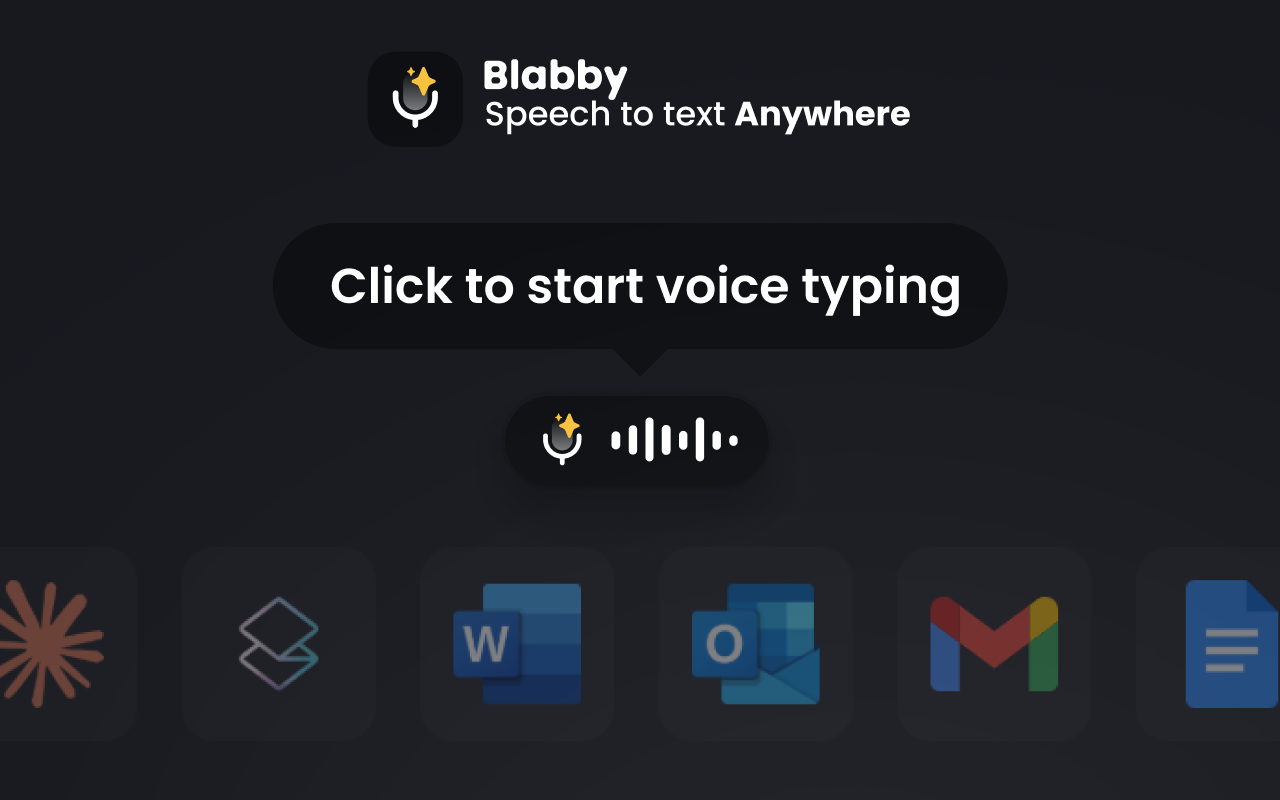
Best for: speaking emails, docs, and messages into Windows apps, Android apps, or Chrome without recording a file first.
Free plan: 60 credits/week (~2,000 words); paid from $8.49/month at the current discount; Ctrl+Space; Whisper v3 Turbo; 90+ languages; custom AI modes.
Pros: Windows app + Android app + Chrome extension, AI cleanup, no per-minute pricing on paid, weekly credits refresh.
Cons: does not transcribe audio/video files, does not join Zoom/Meet/Teams, needs internet.
If your backlog is voice memos you still retype, stop recording yourself. Dictate the finished note once. Pair with Otter or Whisper only when the audio already exists without you.
2. Windows Voice Typing (Win+H) · built-in free dictation
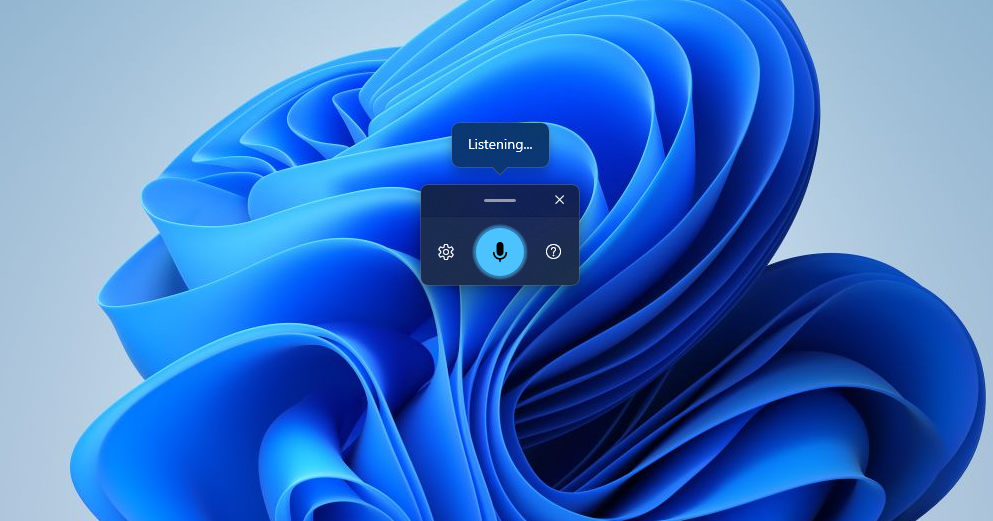
Best for: zero-install dictation in Notepad, Word, browsers, and most text fields on Windows 10/11.
Free plan: included with Windows; no published monthly minute meter; press Win+H with a cursor in a text field.
Pros: truly free, already on the PC, fast for short notes.
Cons: cannot open MP3/WAV files, no meeting bot or search archive, fewer AI rewrite modes than dedicated apps.
3. Otter.ai · free meeting transcription with a hard session cap
Best for: short team meetings and classes under 30 minutes per session.
Free plan: 300 minutes/month, 30 minutes per conversation, only 3 lifetime file imports; Windows desktop app available.
Pros: strong live capture and search, speaker labels, real Windows app.
Cons: 30-minute conversation cap truncates longer calls, lifetime import limit hurts archives, minutes burn fast.
4. Fireflies.ai · "unlimited" free transcription with storage and export catches
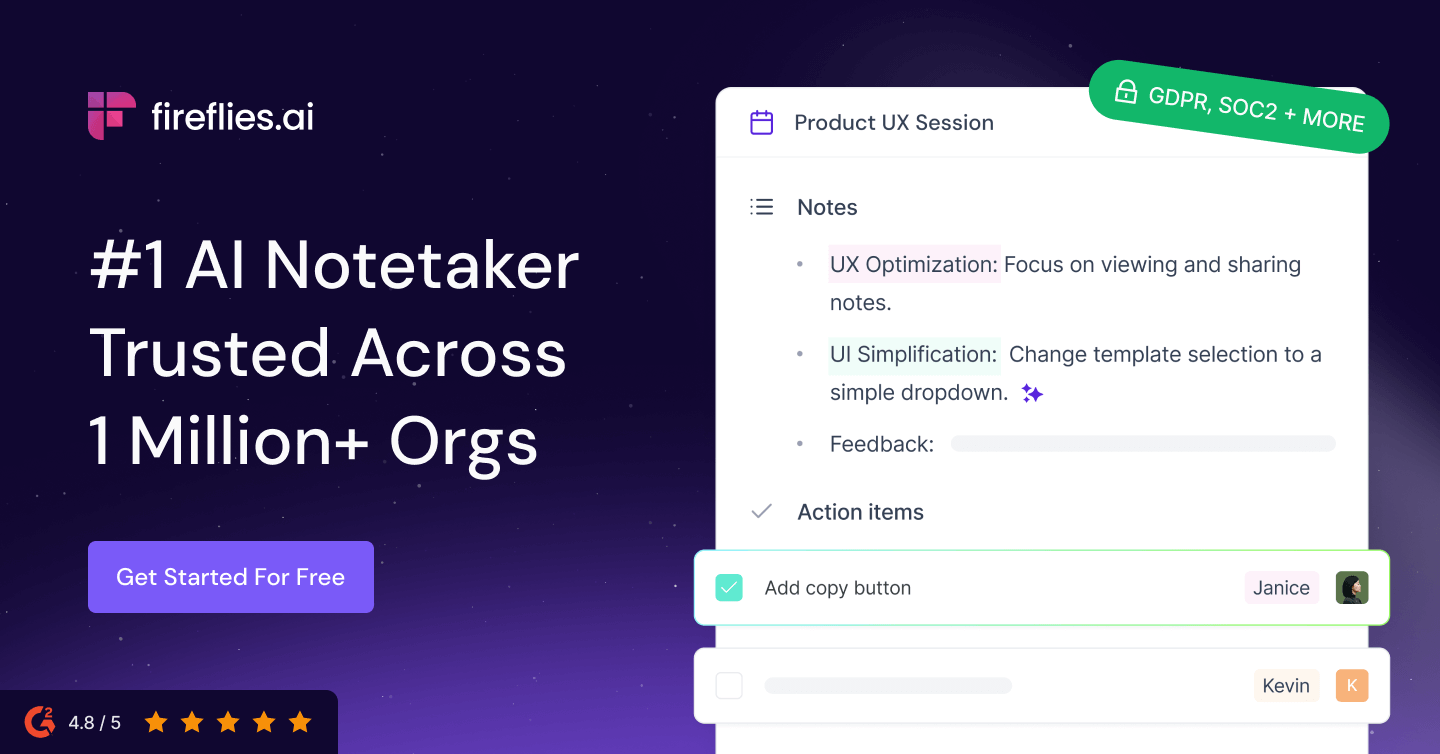
Best for: teams that review notes inside Fireflies and do not need downloads on Free.
Free plan: unlimited transcription, 400 minutes storage per team, no download on Free, 2-hour recording limit; web-first, no dedicated Windows desktop app.
Pros: no monthly transcription meter, CRM integrations, longer recordings than Otter free.
Cons: storage recycles older meetings, export locked on Free, weak offline story.
Free-plan trap checklist
- Monthly minutes look fine, per-session cap is tiny
- "Unlimited" hides storage or retention caps
- Transcript viewable, export locked
- File imports are lifetime, not monthly
5. Tactiq · free Chrome meeting transcripts with a low monthly count
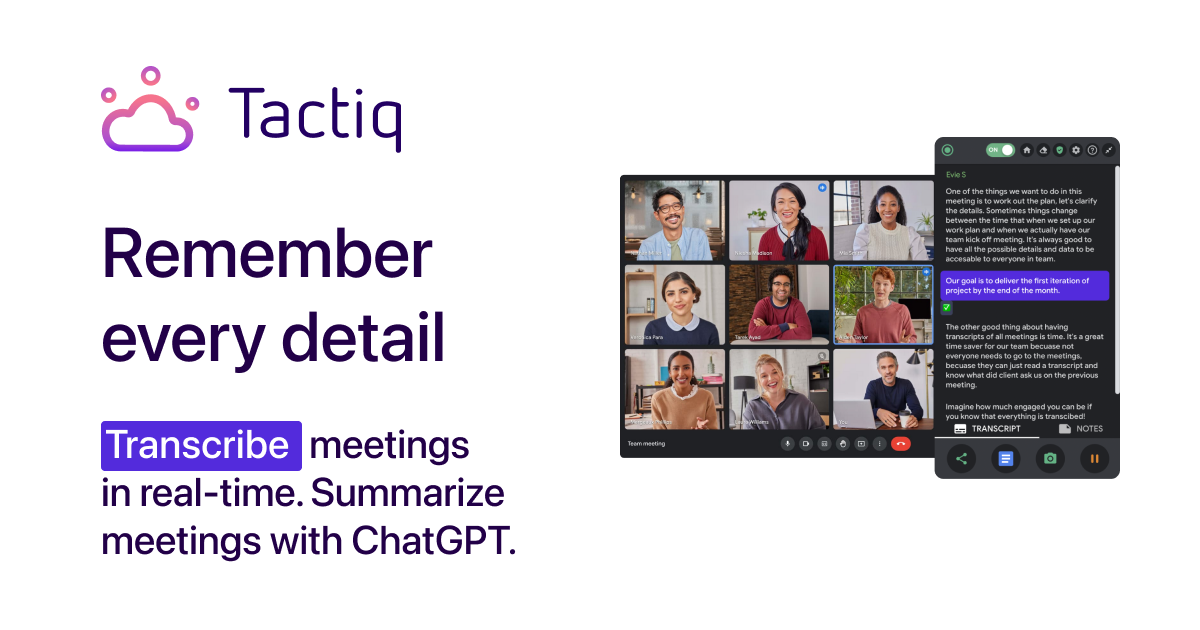
Best for: light Meet/Zoom/Teams users in Chrome who need a handful of transcripts a month.
Free plan: 10 transcripts/month and 5 AI credits; extension-first.
Pros: simple install, clear monthly count, captions-to-notes path.
Cons: 10 meetings/month is easy to exhaust, AI credits are scarce, not a Windows desktop app.
6. TurboScribe · free-ish daily file uploads
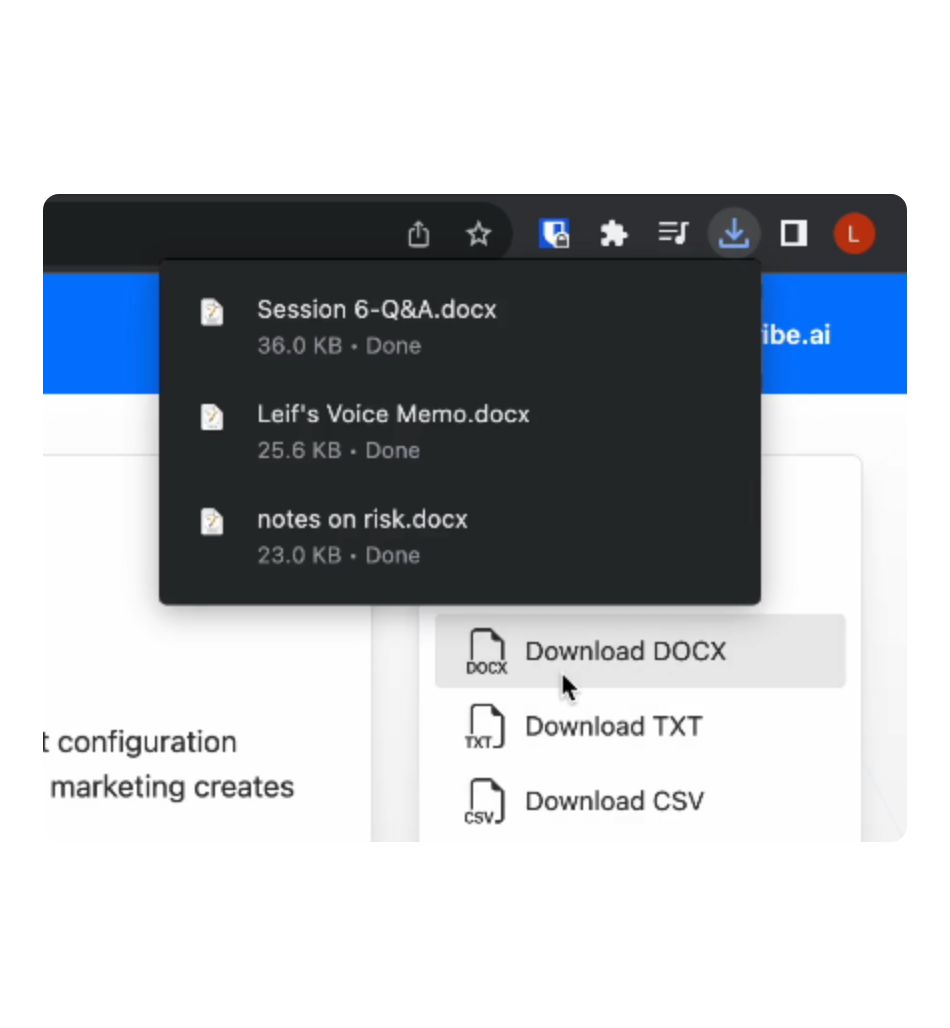
Best for: occasional interview or podcast files when you do not want a local Whisper install.
Free plan: about 3 transcripts/day and about 30 minutes/file, per recent pricing reviews (vendor page access can be blocked); web upload only.
Pros: daily refresh for light use, Whisper-based quality on clean audio, simple upload path.
Cons: not for meetings or dictation, day caps block binge work, confirm current limits before relying on them.
7. OpenAI Whisper · truly free local open-source transcription
Best for: private files, batch jobs, and anyone comfortable with Python or a desktop Whisper UI.
Free plan: open source, unlimited on your hardware. Accuracy reference: large-v3 at 97.93% word accuracy on clean LibriSpeech (MLCommons, Sep 2025).
Pros: truly free and offline-capable, strong clean-audio baseline, runs on Windows with setup.
Cons: setup and hardware time are on you, not a polished meeting bot, default CLI is batch not dictation.
On Windows the CLI or a community UI is the usual path. We stay Windows-first here.
8. whisper.cpp · free local CLI for Windows power users
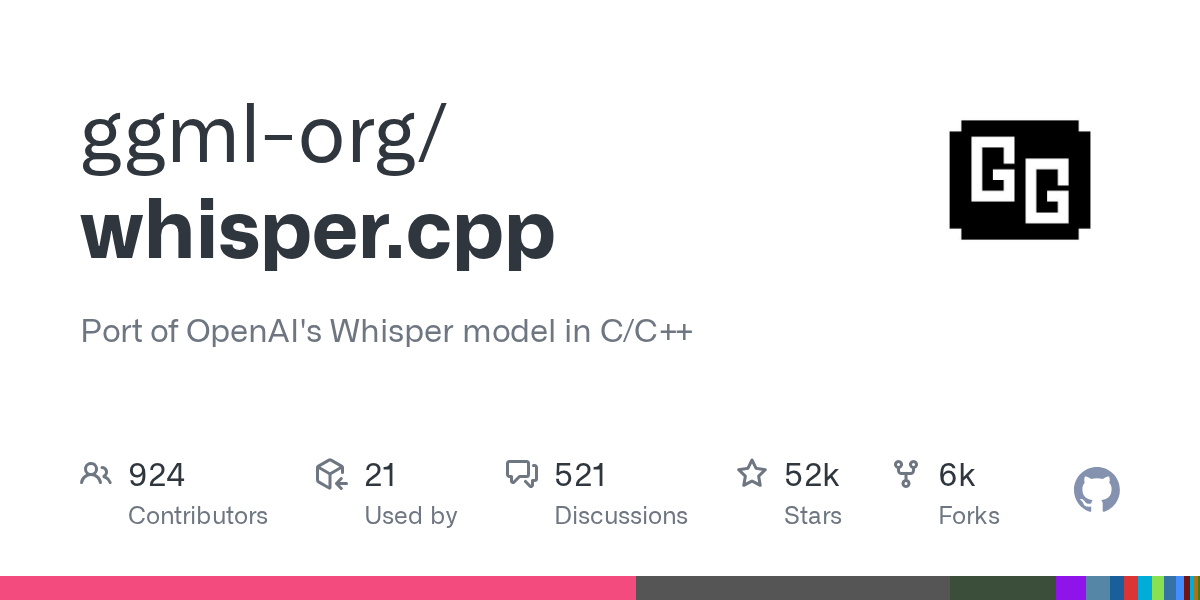
Best for: fast local Whisper inference with a lean C/C++ build, including CPU-friendly setups.
Free plan: open source, unlimited local use.
Pros: efficient local performance, no cloud privacy tradeoff for files, good for scripted Windows batch jobs.
Cons: command-line comfort required, no turnkey meeting UI, you manage models and formats.
9. Descript · free media minutes for creators who edit by text
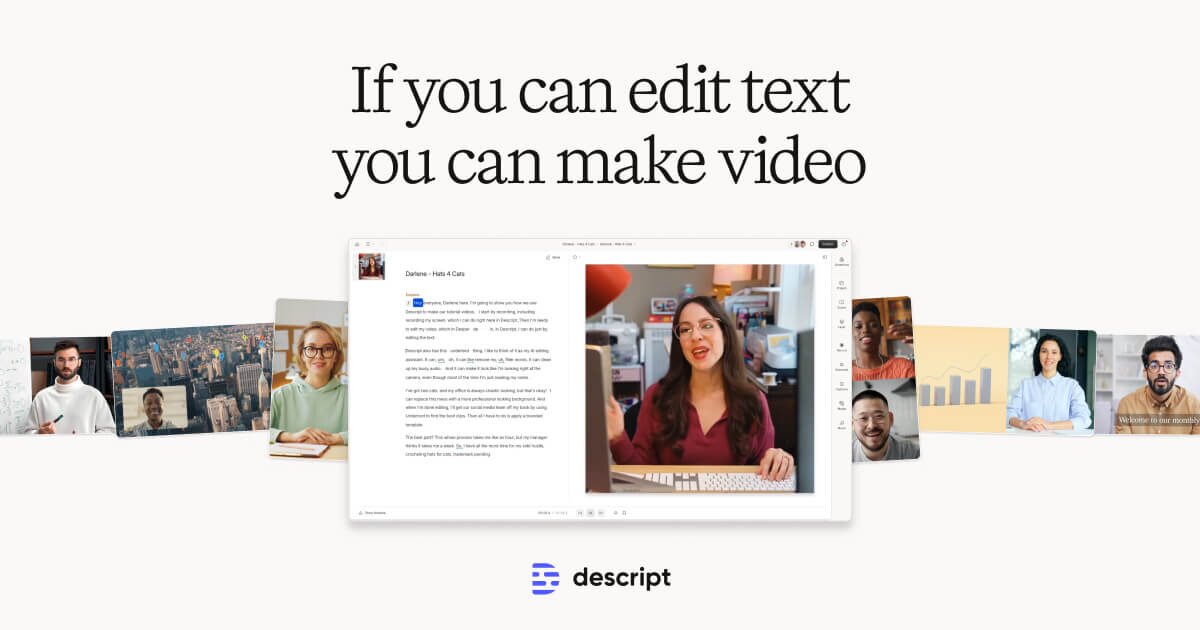
Best for: podcasts and video where the transcript is the editing surface, not just an export.
Free plan: 60 media minutes/month and 100 one-time AI credits; native Windows app.
Pros: edit audio/video by deleting words, real Windows app, creator toolkit beyond plain text.
Cons: quota is media time not text-only minutes, overkill for a .txt only, AI credits do not refresh forever on Free.
10. Notta · cautionary free plan (3-minute sessions, no export)
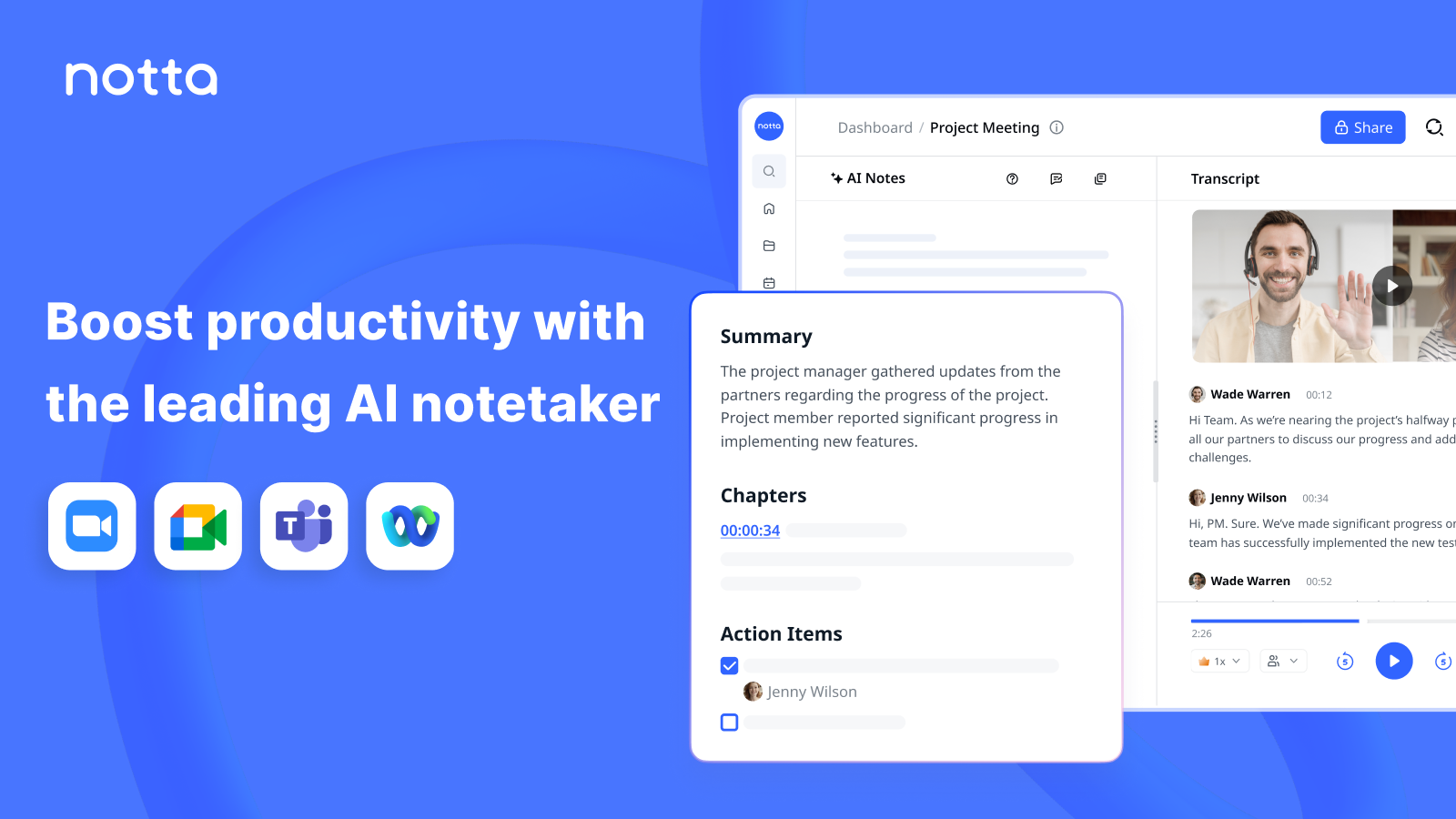
Best for: evaluating the product UI, not for real free production work.
Free plan: 120 minutes/month sounds workable until you hit 3 minutes per conversation and no export on Free.
Pros: polished multi-language cloud product, useful once you pay, clear example of misleading headline minutes.
Cons: 3-minute free conversation cap, no export on Free, web-first not a Windows-native dictation tool.
Across this ten-tool set, three free plans fail a simple "can I leave with a usable artifact?" test without paying: Fireflies (no download), Notta (no export + 3-minute cap), and Otter for file archives (3 lifetime imports). Score free plans on export and per-session length first.
How to Get Real Work Done on Free Plans (3 Workflows)
Free software only helps if the workflow fits inside the caps. These three patterns stay inside common free limits without pretending Notta's 3-minute sessions are enough for a standup.
Workflow A: Draft without recording
- Open the target app (Outlook, Word, browser).
- Start BlabbyAI (Ctrl+Space) or Win+H and speak the draft.
- Edit names and numbers, then send. No file to upload.
Workflow B: One short meeting under Otter's free cap
- Keep the agenda under 25 minutes with buffer.
- Let Otter join; stop before the 30-minute wall.
- Copy action items the same day so storage quirks matter less later.
Workflow C: Private interview file on Windows
- Export audio as WAV or MP3.
- Run Whisper or whisper.cpp locally, or use TurboScribe free if the file is under ~30 minutes and you accept cloud upload.
- Proof names, then archive the .txt beside the audio.
Free vs Paid Transcription: When Should You Upgrade?
Stay free while the wall is occasional. Upgrade when the same friction shows up twice in a week. Paid Otter or Fireflies makes sense for daily standups. Paid TurboScribe or Descript makes sense for weekly media volume. Paid BlabbyAI makes sense when weekly dictation credits run out before Friday.
- Upgrade for export: if Free blocks download, you do not own the transcript.
- Upgrade for session length: 3- or 30-minute caps are product constraints, not user error.
- Stay free for privacy batches: Whisper locally still beats most freemium clouds for sensitive files.
- Stay free for drafting: Win+H or BlabbyAI credits cover many writing tasks without a meeting plan.
Dictate the draft, skip the free-plan maze
BlabbyAI for Windows: live speech to text with AI modes, 60 free credits/week, from $8.49/month. The Android app is free during the beta. Not a file transcription tool.
Frequently Asked Questions
What is the best free transcription software in 2026?
It depends on the job. For live dictation on Windows, BlabbyAI (60 credits/week) or Win+H voice typing. For meetings, Otter.ai (300 min/mo, 30 min/conversation) or Fireflies.ai (unlimited transcription, 400 min storage). For private offline files, OpenAI Whisper or whisper.cpp. Always check per-session caps and export locks, not just the headline allowance.
Is there completely free transcription software with no limits?
OpenAI Whisper and whisper.cpp are truly free and unlimited if you run them locally. Everything else is freemium or a trial. Fireflies markets "unlimited" transcription, but free storage caps at 400 minutes per team and downloads are locked. Windows Voice Typing (Win+H) is free with no minute meter for live dictation only. The BlabbyAI free tier is also for live dictation, at 60 credits a week with no card.
What are the hidden limits on free Otter, Fireflies, and Notta plans?
Otter: 300 minutes/month, 30 minutes per conversation, and only 3 lifetime file imports. Fireflies: unlimited transcription, but 400 minutes of storage, no download on Free, and a 2-hour recording limit. Notta: 120 minutes/month sounds usable until you hit the 3-minute per-conversation cap and no export on Free.
Can I transcribe audio files for free on Windows?
Yes. TurboScribe free allows about 3 transcripts a day up to 30 minutes each (per recent pricing reviews). For unlimited private files, install OpenAI Whisper or whisper.cpp locally. Windows Voice Typing cannot open files. Word Transcribe (Microsoft 365) adds 300 upload minutes/month if you already subscribe.
Is free AI transcription accurate enough?
On clean audio, yes for drafts. MLCommons measured Whisper large-v3 at 97.93% word accuracy on LibriSpeech in September 2025. That number is for clean read speech, not noisy meetings, and it is not a claim for Whisper Turbo. Real-world calls with crosstalk need human review for legal or medical use.
What is the difference between free dictation and free transcription?
Dictation turns your live speech into text as you speak, into whatever app you have open. Transcription converts recorded audio or a live meeting into a transcript afterward. If the words are still in your head, dictation skips the record-then-upload loop. Stanford research found speech about 3x faster than typing for mobile text entry (Ruan et al., 2016). BlabbyAI is a dictation tool, not a transcription one: it types what you say as you say it.
Does Windows have built-in free transcription?
Windows Voice Typing (Win+H) is free live dictation, not a file or meeting tool. It works in most text fields and needs no extra install on Windows 10/11. For meeting bots and file uploads you still need a third-party free plan or a local Whisper setup.
When should I upgrade from free transcription software?
Upgrade when you hit the same wall twice in a week: per-conversation caps mid-call, export locked when you need a .txt or .docx, storage that deletes old meetings, or daily file quotas that block real work. Paid plans make sense for recurring meetings or high file volume; keep free for occasional drafts and experiments.
Final Verdict: Which Free Transcription Software Should You Use?
Match the tool to the lane. For Windows dictation, start with BlabbyAI for Windows or Win+H. For meetings under half an hour, Otter's free tier is still the practical default. For in-app meeting archives without downloads, Fireflies' unlimited transcription can work until storage fills. For private files, Whisper or whisper.cpp remain the only truly free unlimited options.
Skip Notta Free for real work until you are ready to pay: the 3-minute cap plus blocked export is a demo. Treat TurboScribe's daily free quota as a light file valve, and Descript Free as a creator sandbox. When free caps keep interrupting the same job, paid plans (or local Whisper) are cheaper than fake productivity.
Want the paid cost view next? Read the best AI transcription software comparison, or jump to audio to text converter steps for file formats.
Sources
- MLCommons, MLPerf Inference v5.1 Whisper benchmark, September 2025, mlcommons.org, retrieved 2026-07-26.
- Ruan et al., "Speech Is 3x Faster than Typing…" (2016), arxiv.org/abs/1608.07323, retrieved 2026-07-26.
- Microsoft, Work Trend Index 2025, microsoft.com/worklab, retrieved 2026-07-26.
- Vendor pricing pages, retrieved 2026-07-26: Otter, Fireflies, Tactiq, Descript, Notta. TurboScribe (~3/day, ~30 min/file) via third-party pricing reviews; verify before purchase.
- OpenAI Whisper, github.com/openai/whisper; whisper.cpp, github.com/ggml-org/whisper.cpp, retrieved 2026-07-26.
- Microsoft Support, Windows voice typing, support.microsoft.com, retrieved 2026-07-26.